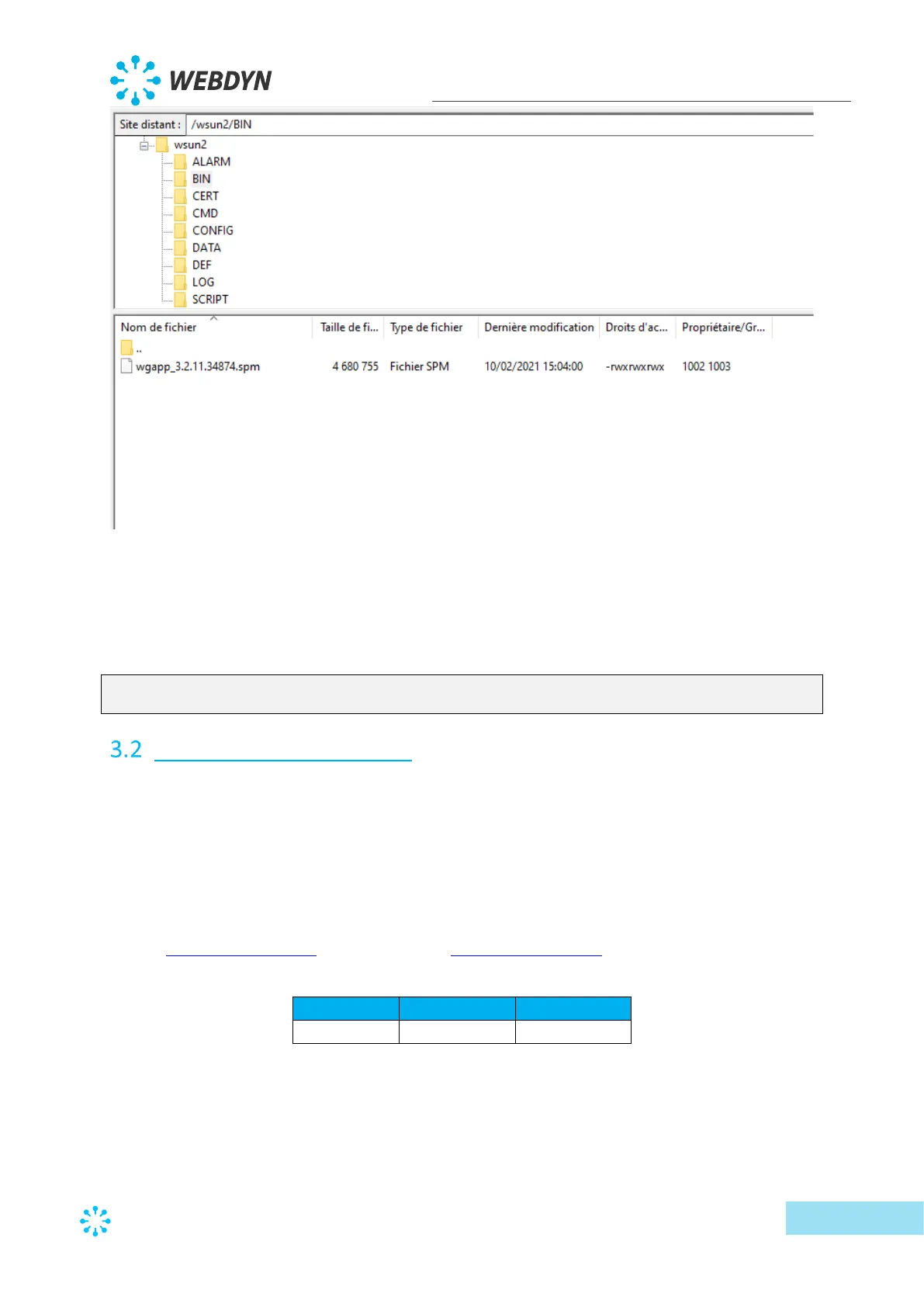
• Load the “config.ini” file
o Put the binary name in “BIN_FileName”.
o Put the binary validation checksum that was provided with the binary in the
“BIN_Checksum “field.
o If the example below, the modified line will therefore be:
BIN_Checksum=26d00b3496803378cdc8820649cf9535
BIN_FileName=wgapp_3.2.11.34874.spm
Embedded web interface
To access the concentrator’s embedded web interface, follow the steps below:
1. Launch the web browser:
The web interface is compatible with the latest browser versions: Firefox, Chrome and
Edge. Older versions may work but they are not supported (IE 7 for example).
2. Enter the concentrator’s IP address in your web browser (the default address is:
http://192.168.1.12 for LAN1 and http://192.168.2.12 for LAN2) to access the
WebdynSunPM home page. (see section 2.4.5: “Ethernet interface”)



 To Next Page