USER MANUAL – WebdynSunPM
Version 2.05
préliminaire
Input name. This value will be used on the web pages and on the MQTT
servers
The name on the concentrator must be unique
Action associated with the input. The authorised values are:
The possible actions are:
• Ignored: The value will be ignored. The variable is disabled. It will
not appear in the data files
• Instant value: the input is of the instant value type. The data read at
collection time will be stored in the data file using a single field.
• Alarm on change: the input is of the alarm type. When a status
change is detected, an alarm is triggered. The data read at collection
time will be stored in the data file using a single field.
Contains the multiplier to apply to the input so that it complies with the unit
described in the “unit” field. This multiplier is a floating point number using
a decimal point “. “
This factor is there to inform users and is not applied to the data sent in the
data files.
Contains the offset to apply to the input so that it complies with the unit
described in the “unit” field. This offset is a floating point number using a
decimal point “. “
This factor is there to inform users and is not applied to the data sent in the
data files.
Local web site display unit. The value is not used elsewhere.
Contains an identification making it possible to use the variable in scripts.
(Calculation of totals, issuing of commands to multiple devices, etc.). This
name must be unique to allow unambiguous identification and use in the
scripts.
3.2.1.2.5 Duplicating a device
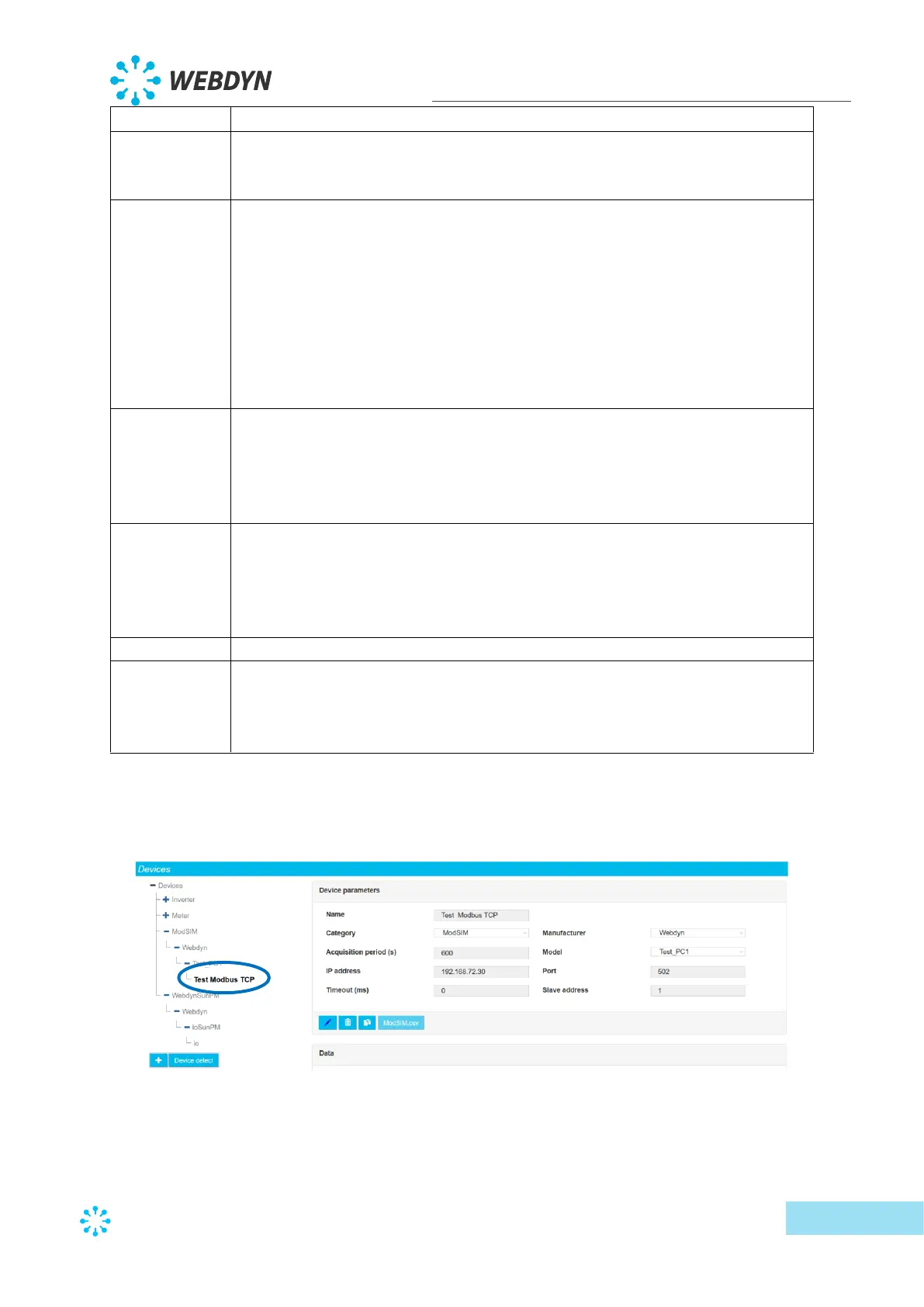
To duplicate a device, first select the device to duplicate:
The click the duplication button:



 To Next Page