USER MANUAL – WebdynSunPM
Version 2.05
préliminaire
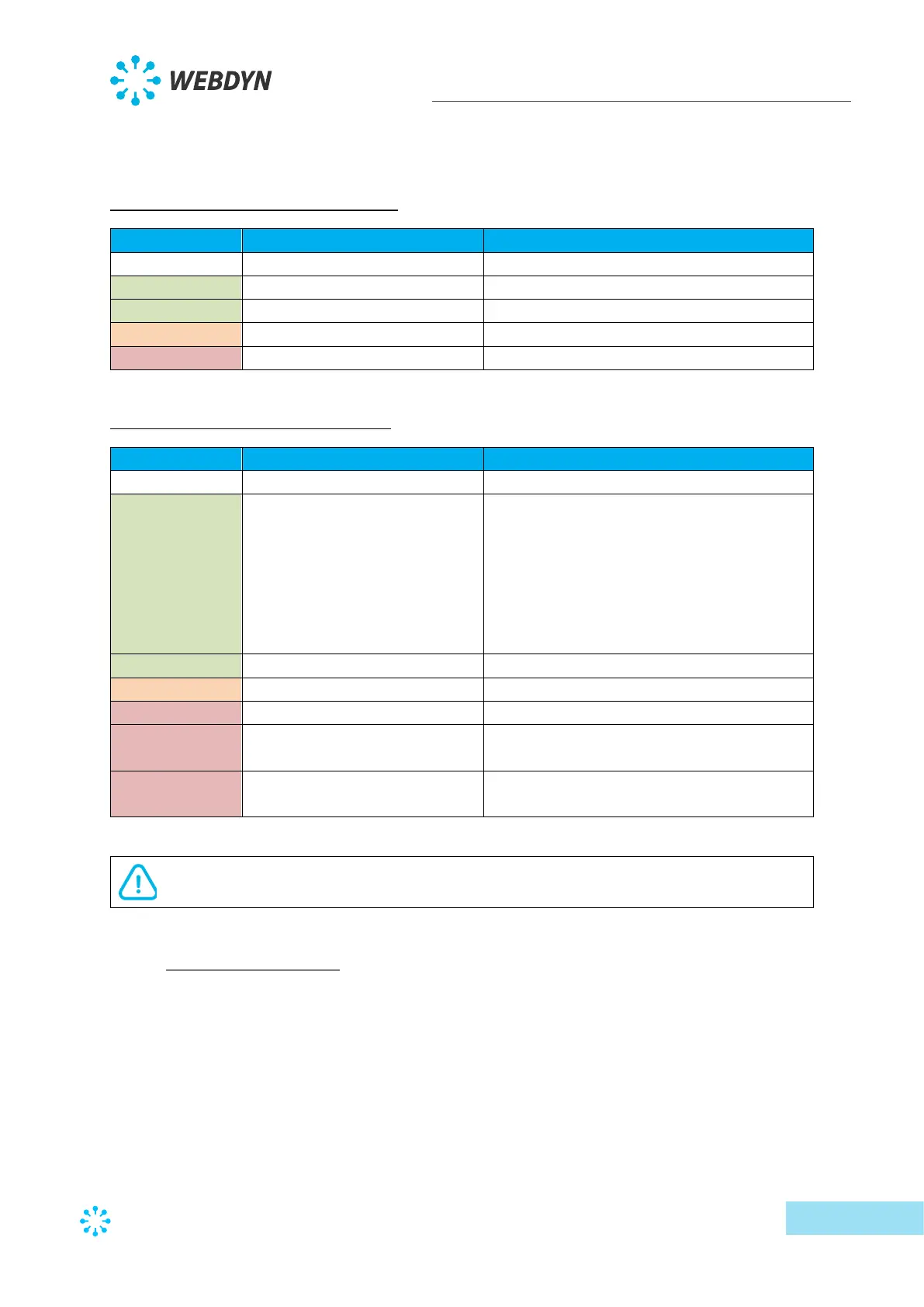
The purpose of the WAN indicator is to help the user know the connection status. The
indicator can have 3 different colours (green, orange and red) and depends on the primary
server configuration.
Primary server on Ethernet interface:
FTP connection in progress
NTP synchronisation problem
Primary server on Modem interface:
X slow flashes followed by a 1
second pause
Indicates the modem signal level by
flashing:
1. Unstable
2. Limit
3. Correct
4. Good
5. Excellent
FTP connection in progress
NTP synchronisation problem
Problem attaching to the cell network or
unstable reception signal (RSSI < -89 dBm)
SIM card error (missing, no PIN code, PUK
code)
If an error occurs, the WAN LED stays on the last error until the next conclusive
attempt or the product reboots.
2.4.4 Extension interface
2.4.4.1 External memory medium (MicroSD)
(Future upgrade)
2.4.4.2 USB interface
A USB port is available on top of the product next to the LAN connectors and analog inputs.
The USB port is used to connect the TIC accessory to remotely read the information from
electricity meters.



 To Next Page