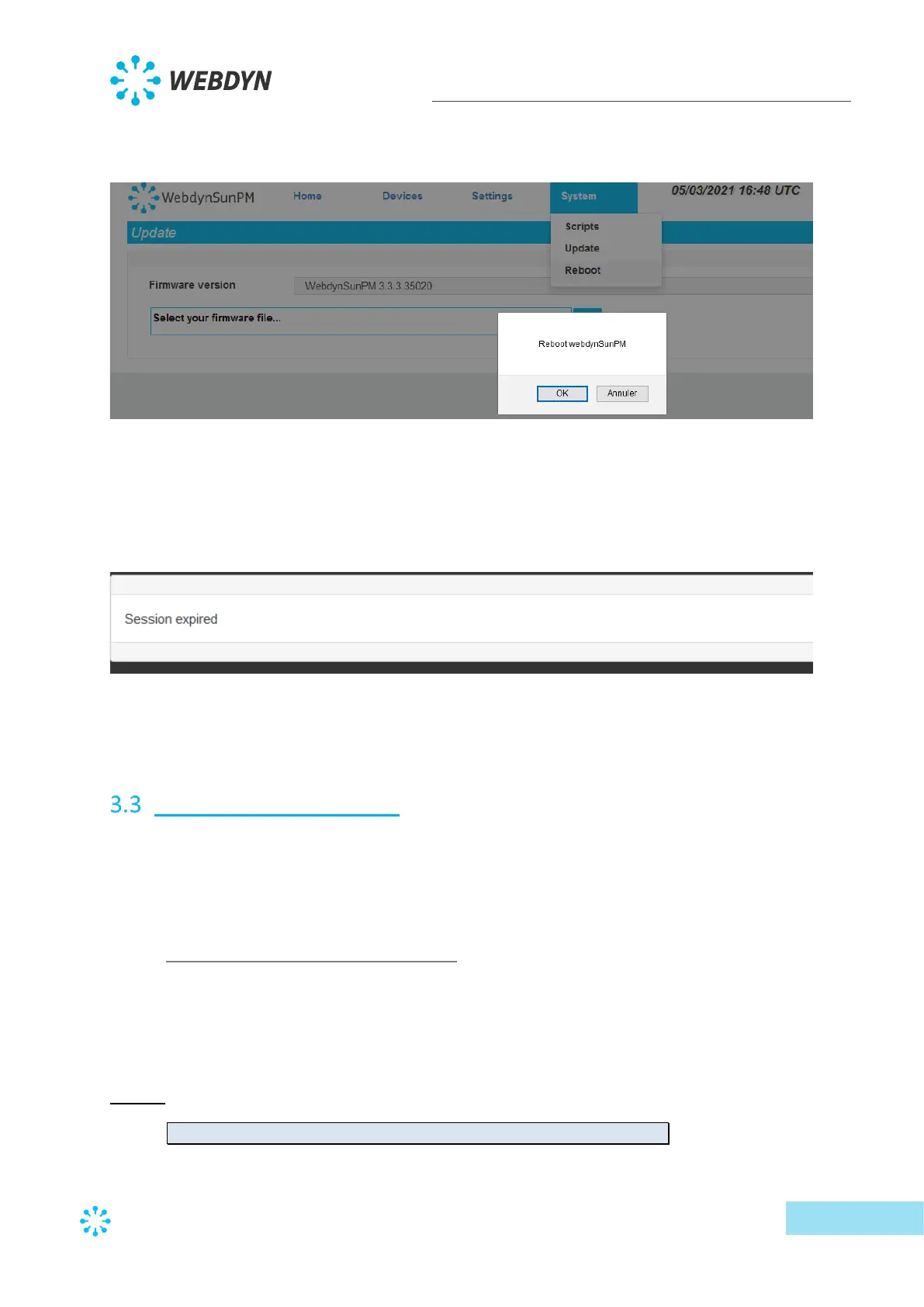
To reboot the webdynSunPM, select the “reboot” option on the System menu.
Confirmation is requested.
Clicking “Cancel” cancels the operation, the webdynSunPM will not reboot.
Clicking “OK” reboots the webdynSunPM.
The screen is greyed out for a few seconds (the time needed to reboot) then, once the
webdynSunPM has rebooted, the screen indicates:
This means the browser page needs to be refreshed using the F5 function for example, to be
able to log back in.
Text message command
Commands can be sent to the WebdynSunPM concentrator modem by text message.
Before being able to send commands to the modem, check that it is properly configured in
section “3.2.2.4-Modem”
3.3.1 “connect” connection command
The “connect” command is used to ask the concentrator to start a connection with the server.
That forces the settings to be synchronised with the server and all the log files to be uploaded.
The connection is launched immediately.
Syntax:
connect <connection>



 To Next Page