It is then possible to modify the different device fields and thus change the name, category,
description, manufacturer, acquisition frequency, model and the specific protocol
parameters: IP address and port number for IP devices, slave address for modbus devices,
timeout, etc.
Pressing the validation button validates the data entry. Pressing the cancel button ignores any
changes made on the data entry form.
The device variables can also be modified by importing a new definition file. To do that, just
click the “Import Def File” button and select the new definition file as indicated in section
3.1.2.1.3.4 - Connected device configuration. Once the file has been imported, re-select the
values from the “Category”, “Manufacturer” and “Model” fields for the new imported device
to reload the variables in the same way as when adding a new device (3.2.1.2.1 - Add a device)
3.2.1.2.4 Modifying the input/output configuration
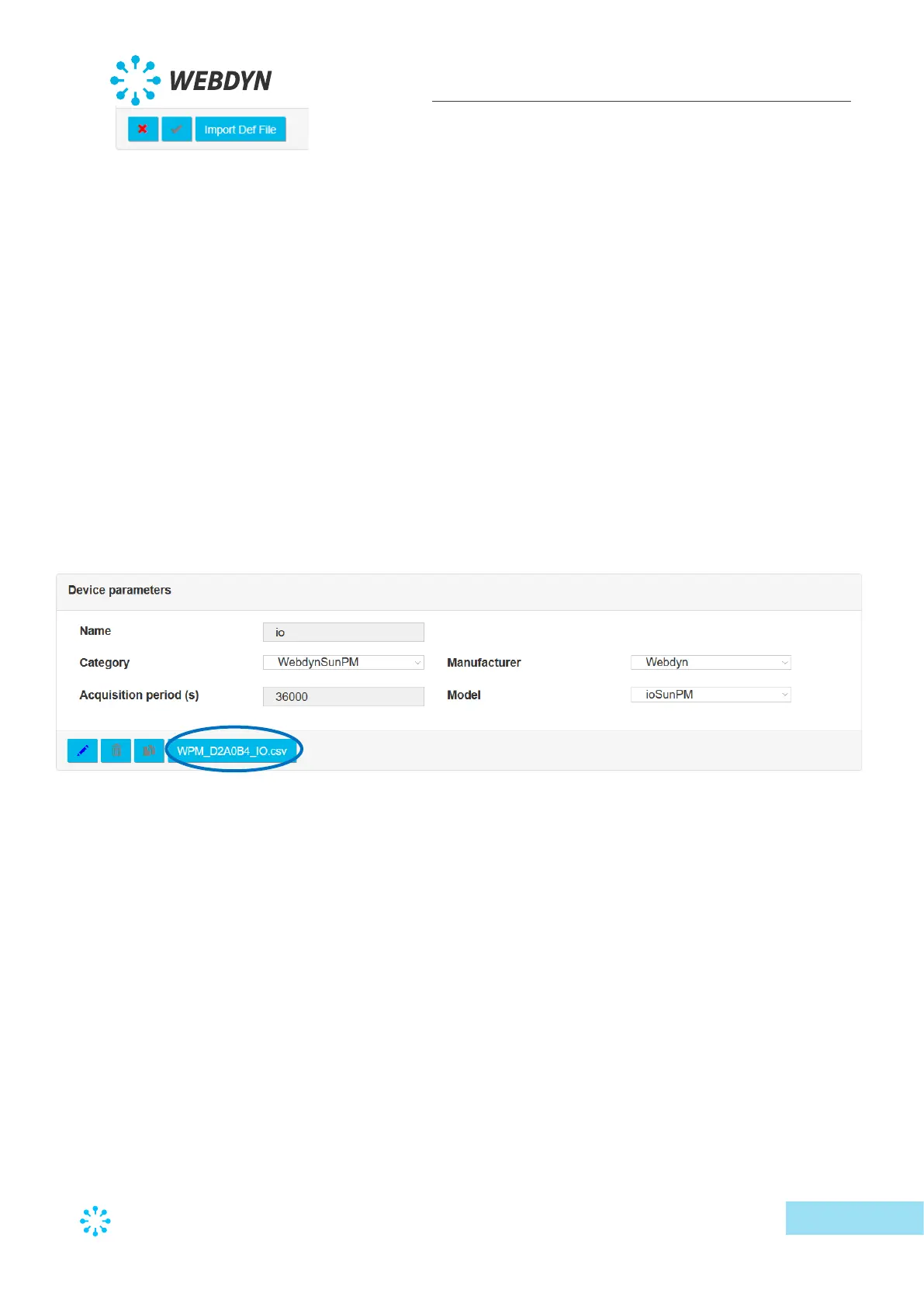
Input/output configuration can be done directly from the device management page.
Just click the concentrator’s IO definition file button:
The input/output status page display is then replaced by the following display:



 To Next Page