o “Scan TIC” means the TIC scan has started.
o “Try with baudrate xxxxx”. Different communication speeds are tested on the
serial connection.
o At the end of detection, a page displays the type of detected TIC device and its
communication speed:
LINKY detected
Linky meter
baudrate: 9600
finished
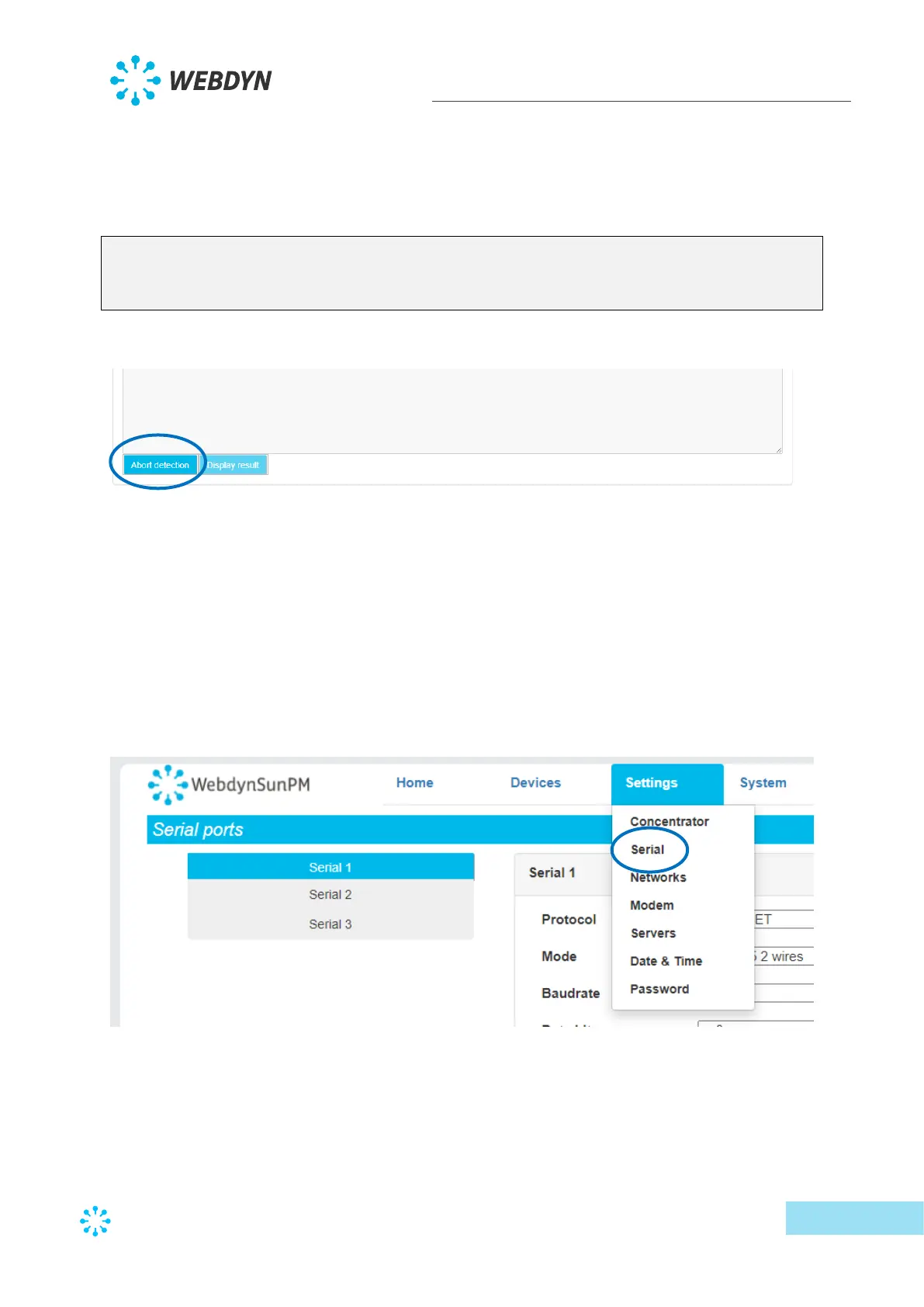
• It is always possible to interrupt detection by clicking the “Abort detection” button.
• On completion of the detection, the TIC device is imported into the concentrator
configuration automatically.
3.2.1.1.3 SMA-Net device detection
The automatic detection of SMA-Net devices requires the following steps:
• Connect the device to the concentrator using a serial connection configured as
explained below.
• Configure the serial connection on the configuration page indicating the required
communication speed and the protocol type. Indicate “SMA-Net”:



 To Next Page