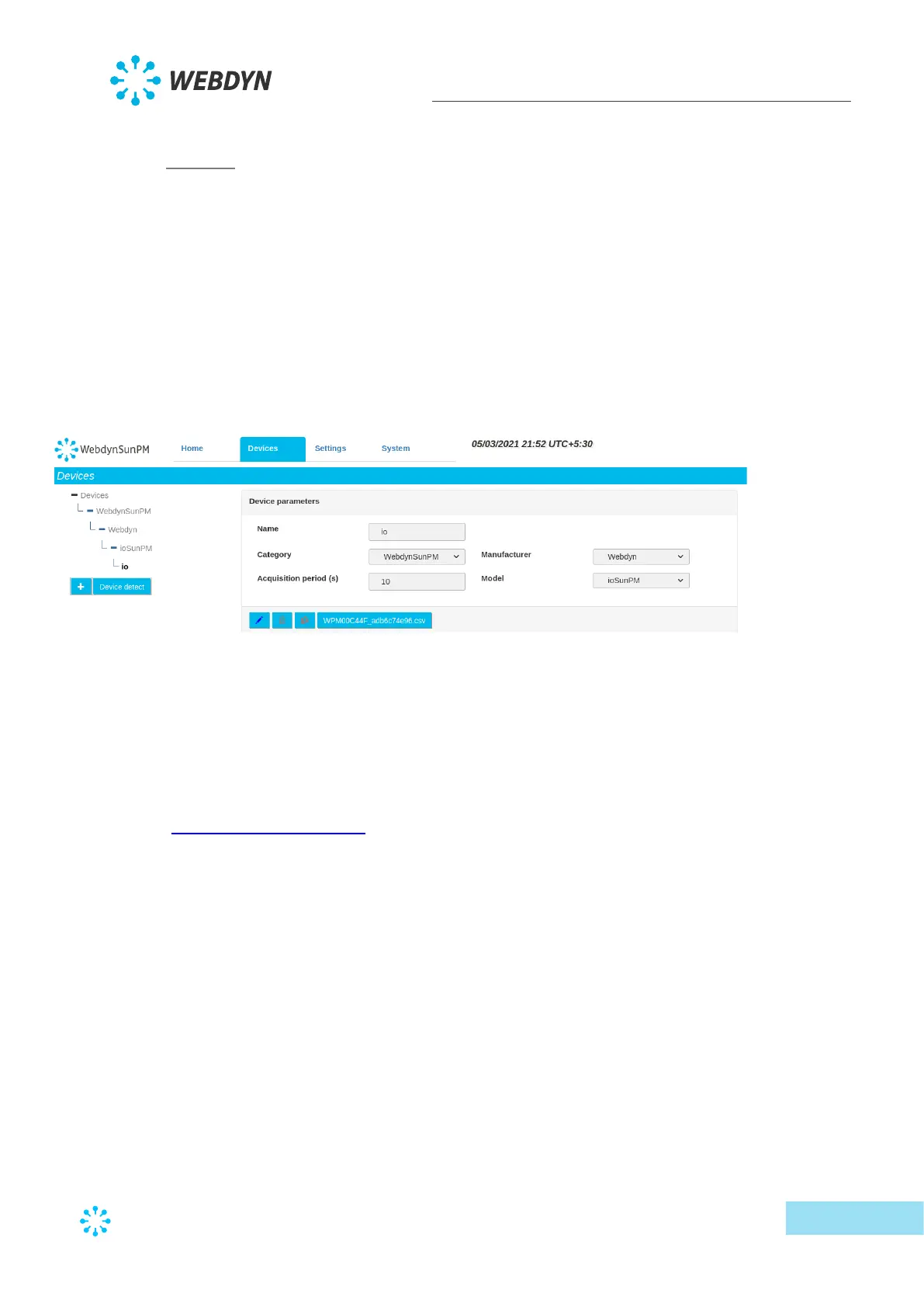
3.2.1 Devices
Devices can be configured in several ways:
• By editing or importing existing concentrator files, as described in section 3.1.2.1.3 -
“<uid>_daq.csv” file
• By running automatic device detection from the web interface or a text message
• By manually editing the configuration using the web interface
Device configuration using the web interface will be detailed in this section and can be
accessed by clicking the “Devices” tab at the top of the screen.
3.2.1.1 Automatic device detection
The concentrator can detect a certain number of devices meeting specific standards
automatically. These devices are the following:
• SunSpec: The modbus devices in the tables meeting the SunSpec standard specification
(http://www.sunspec.org/) can be detected and configured automatically using the
Ethernet (modbus TCP) or serial (modbus RTU) connection.
• TIC: Devices meeting the Télé-Information Client specification from Enedis/ERDF.
• SMA-Net: Devices meeting the SMA-Net protocol for the SMA manufacturer.
• Power-One: Devices meeting the Aurora Power-One protocol
3.2.1.1.1 SunSpec device detection
The automatic detection of SunSpec devices requires the following steps:
• Connect the device to the concentrator on one of the serial connections or on the
Ethernet network
• Check device configuration: for serial connections check that the configuration is the
same on the concentrator and the device. For an Ethernet connection, check that the
network configuration is compatible between the two devices



 To Next Page