Gateway configuration:
How do you access the gateway configuration?
Start by checking that the computer’s IP parameters are compatible with the WebdynSunPM
IP address (by default 192.168.1.12)
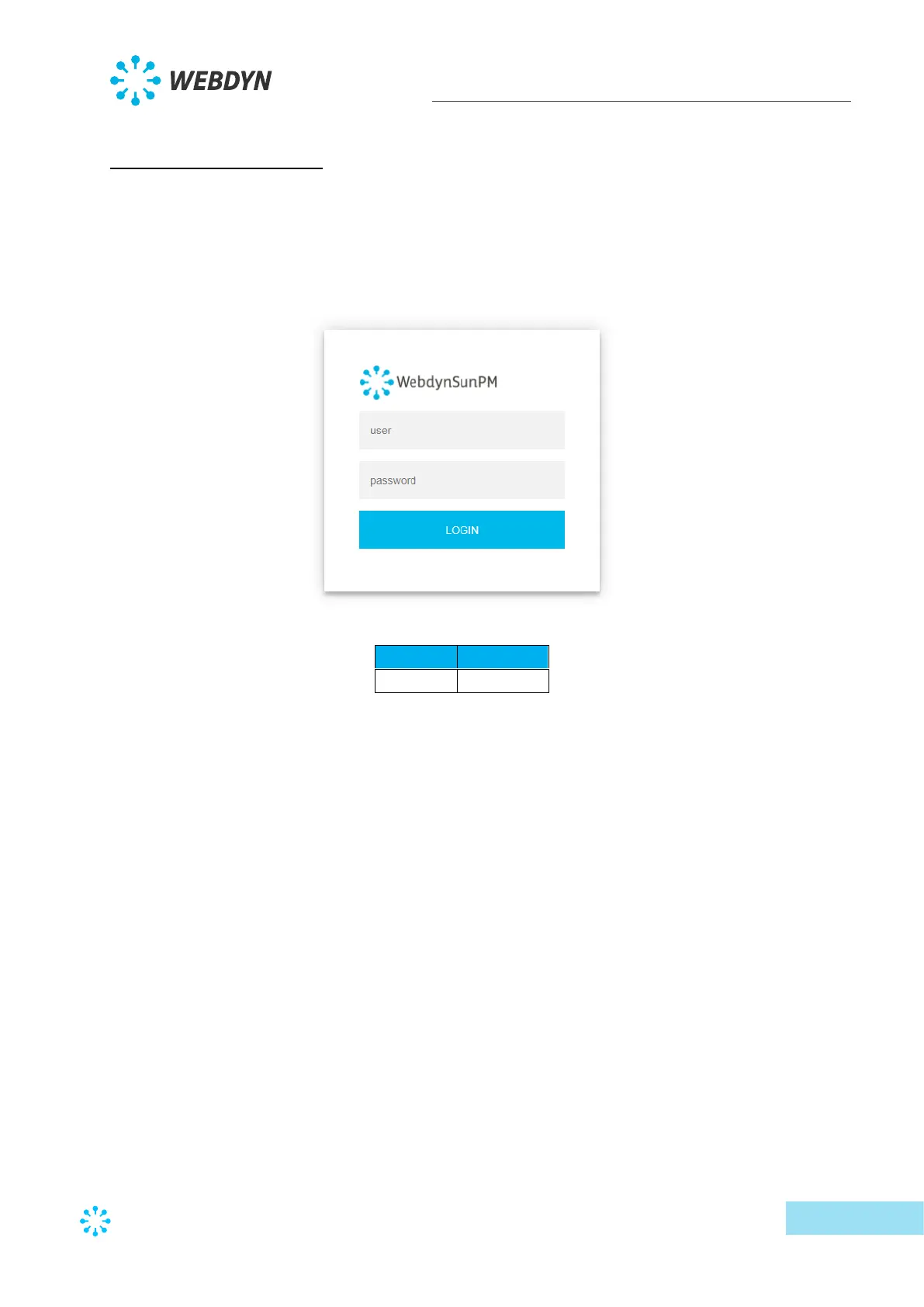
Launch a web browser (Chrome, Firefox, Edge, Safari, etc.) and enter the WebdynSunPM
concentrator IP address in the address bar. An authentication page is displayed:
The default accesses are:
Click “Login”
How do you configure the WebdynSunPM concentrator to access the remote server?
There are two configuration solutions, using the web interface and using text messages:
• Configuration using the web interface:
Start by establishing a connection to the concentrator by connecting to it to access the server
configuration:



 To Next Page