USER MANUAL – WebdynSunPM
Version 2.05
préliminaire
The Category, Manufacturer and Model are used to find the device’s associated definition file
from the web pages.
Following this first row, all the following rows will contain the device variable definitions.
Each row fully describes a variable.
Each row will have the following format:
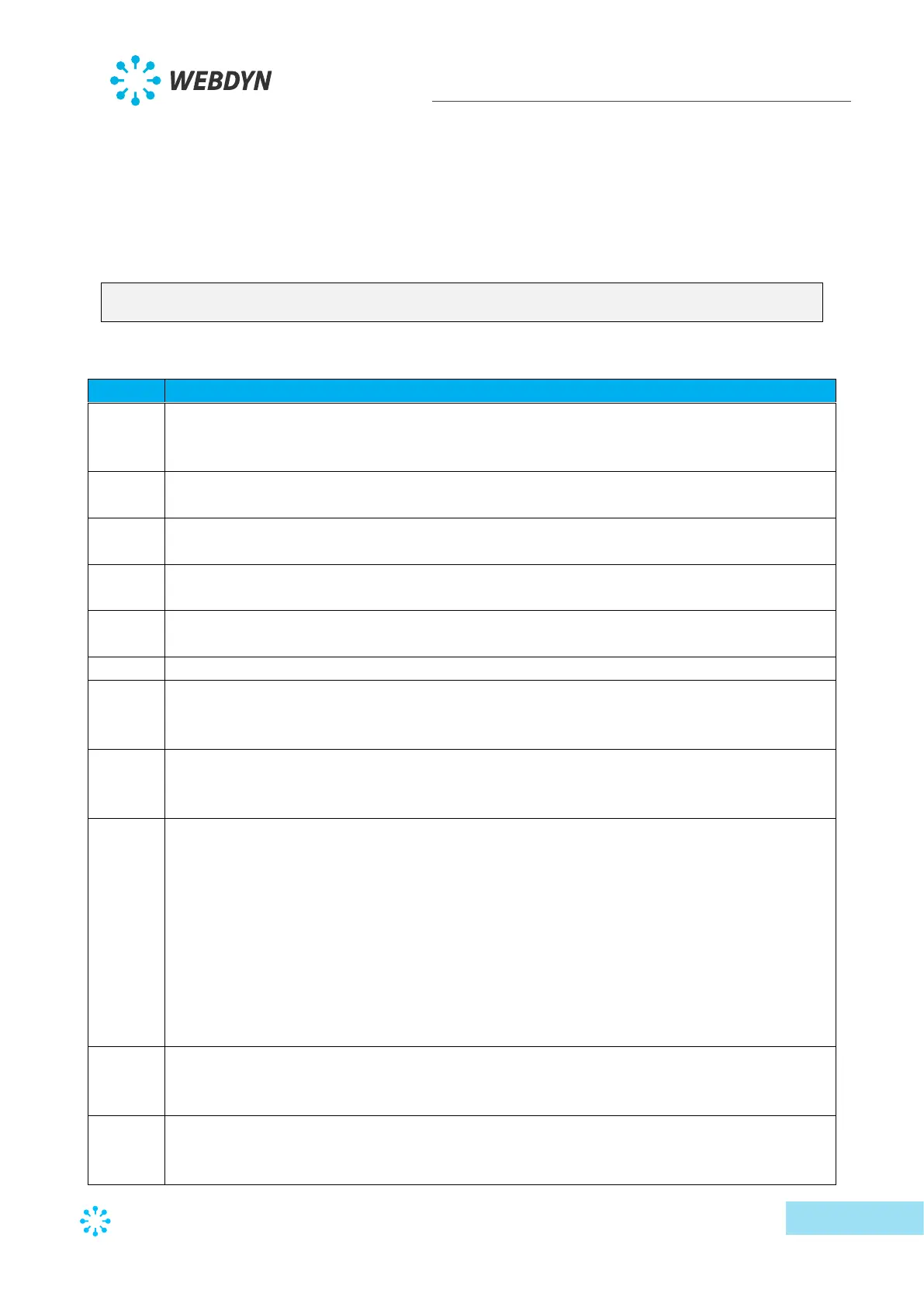
Index ; Info1 ; Info2 ; Info3 ; Info4 ; Name ; Tag ; CoefA ; CoefB ; Unit ;
Action
The field meanings are the following:
Contains the unique variable identifier in the file. It is free form for the client as long as
it remains unique. This field is used to identify the variables in the data file, the logs or
the command files.
This field contains information specific to the protocol used on the device. Refer to the
specific protocol documentation below.
This field contains information specific to the protocol used on the device. Refer to the
specific protocol documentation below.
This field contains information specific to the protocol used on the device. Refer to the
specific protocol documentation below.
This field contains information specific to the protocol used on the device. Refer to the
specific protocol documentation below.
Contains the variable name, which is free form as long as it is unique.
Contains an identification making it possible to use the variable in scripts. (Calculation
of totals, issuing of commands to multiple devices, etc.). This name must be unique to
allow unambiguous identification and use in the scripts.
Contains the multiplier to apply to the variable so that it complies with the unit
described in the “unit” field. This multiplier is a floating point number using a decimal
point “. “
Contains the offset to apply to the variable so that it complies with the unit described
in the “unit” field. This offset is a floating point number using a decimal point “. “
Factors A and B will contain the appropriate value by default if it is known, otherwise A
is 1 and B is 0. If the values are missing, these values will be considered to be 1 and 0.
The factors are there to inform users and are not applied on the data sent in the data
files. This operation is the responsibility of operators who, if they want to convert the
sent raw data, must carry out the “Ax+B” operation on data x, in particular to obtain a
value in the unit indicated in the “unit” field
These factors are applied to the values used by the scripts and by the return mechanism
to a display to obtain a value indicated in the “unit” field.
Contains the required unit. As for the factors, this field contains the appropriate
information if it is known, otherwise the field is empty. This field is information for the
user and it is up to the client to make sure it matches the entered A and B factors.
Contains the code describing the processing to be carried out by the product on this
variable when the files for the IS are created.
The possible actions are:



 To Next Page