USER MANUAL – WebdynSunPM
Version 2.05
préliminaire
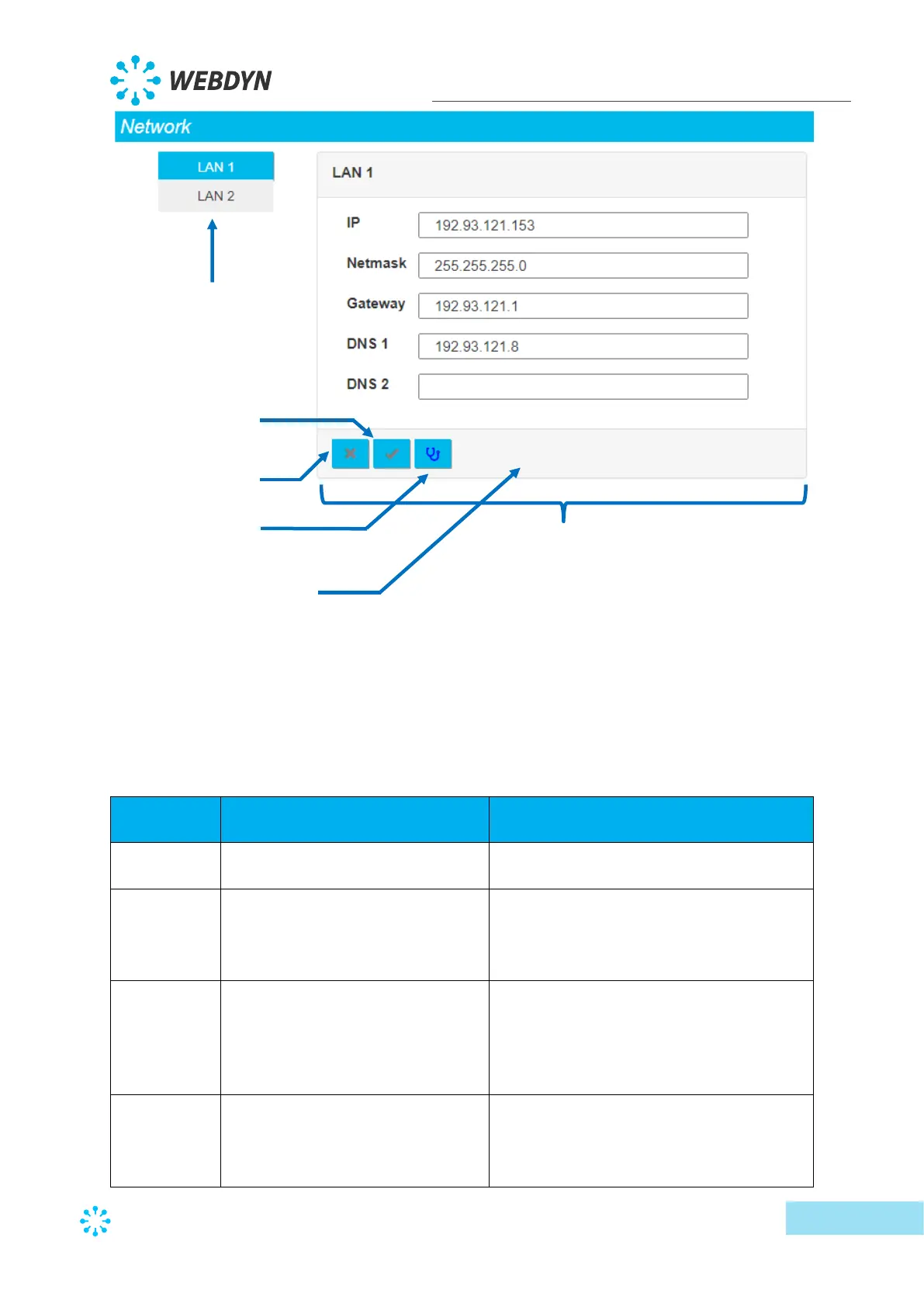
To be able to run a ping test on the Gateway IP address, it must have been entered and the
configuration applied before clicking the Test button.
The 2 Ethernet interface settings are:
Parameter in the <uid>_daq.csv
configuration file
IP address at which the concentrator is
accessible using the Ethernet network.
Your Ethernet network subnet mask.
This mask limits the Ethernet network to
defined IP addresses and separates the
network ranges from each other.
Your Ethernet network gateway address.
The gateway address is the IP address for
the device that connects to the internet.
The address entered here is usually your
ADSL/fibre router address.
DNS 1 server. DNS (Domain Name
System) servers translate explicit
internet addresses (for example,
www.webdyn.com) into their
Selected Ethernet port settings
Ping result display
on the Gateway



 To Next Page