12
Pic21
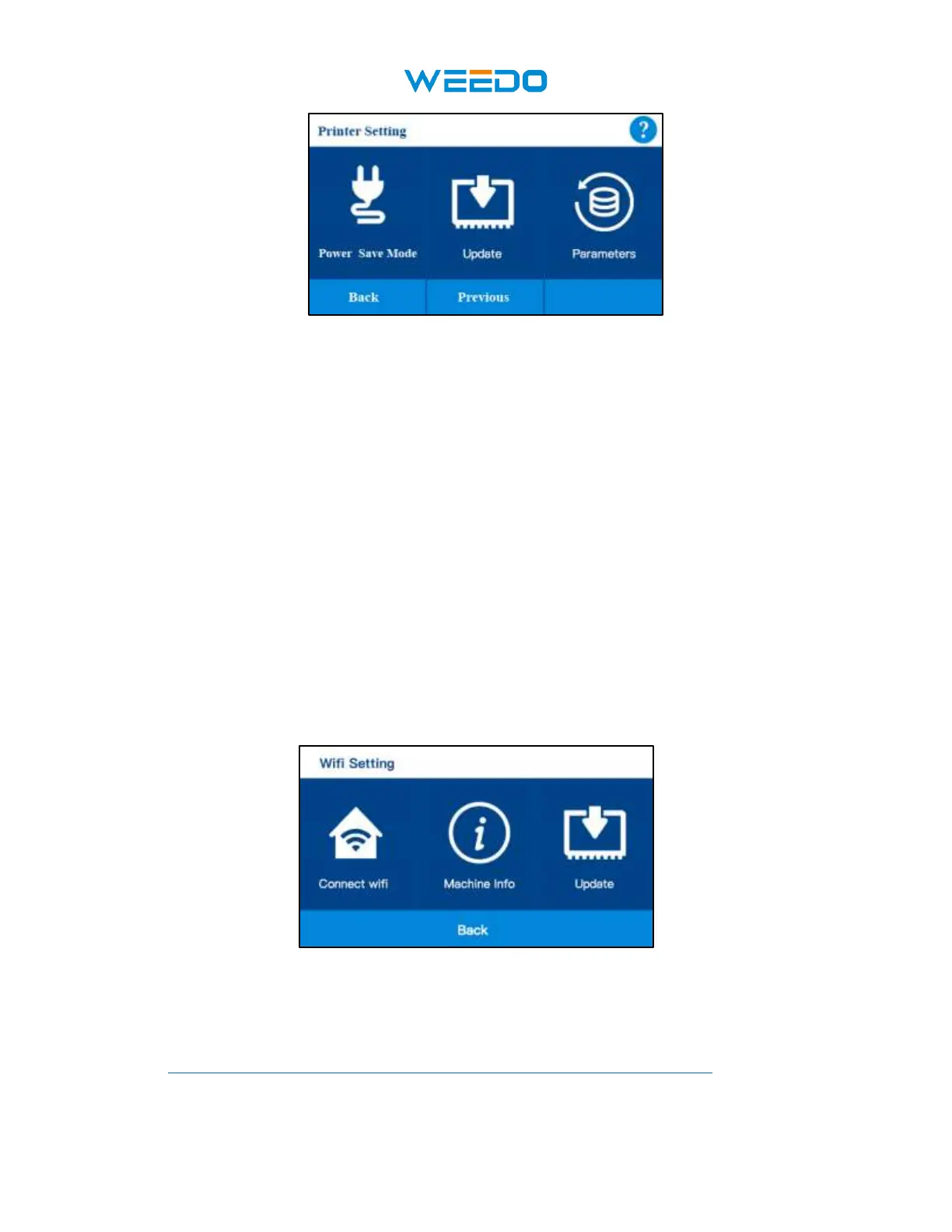
• Wi-Fi Setting: Set the Wi-Fi for the printer, check the Wi-Fi version、IP address
• Language Setting: select different language.
• Machine Info: check the machine information, check firmware version, UI version
• Auto Power Off: Auto Power off function ON and OFF
• Runout Sensor: Runout Sensor function ON and OFF
• Post: POST function ON and OFF
• Power Save Mode: select the power save mode
• Update: update the latest firmware for the printer
• Parameters: check parameters, Save firmware parameters to TF card, Load firmware
parameters from TF card to printer.
7.5.1WIFI Setting:
Pic22
• Connect Wifi: Connect the printer to WIFI.
http://www.weedo3dprinter.com/doku.php?id=set_up_wifi_network:x40
Check this wiki file about how to connect the printer to WIFI



 To Next Page