22
Click the Down icon the nozzle moves downward, and the gap between the nozzle and the
platform becomes smaller, Click the UP icon the nozzle moves up, and the gap between the
nozzle and the platform becomes larger, after adjusting to the appropriate gap, click Save icon to
save (Pic41). The value displayed on the interface will be different for different machines.
7.6.7 Proximity Height:
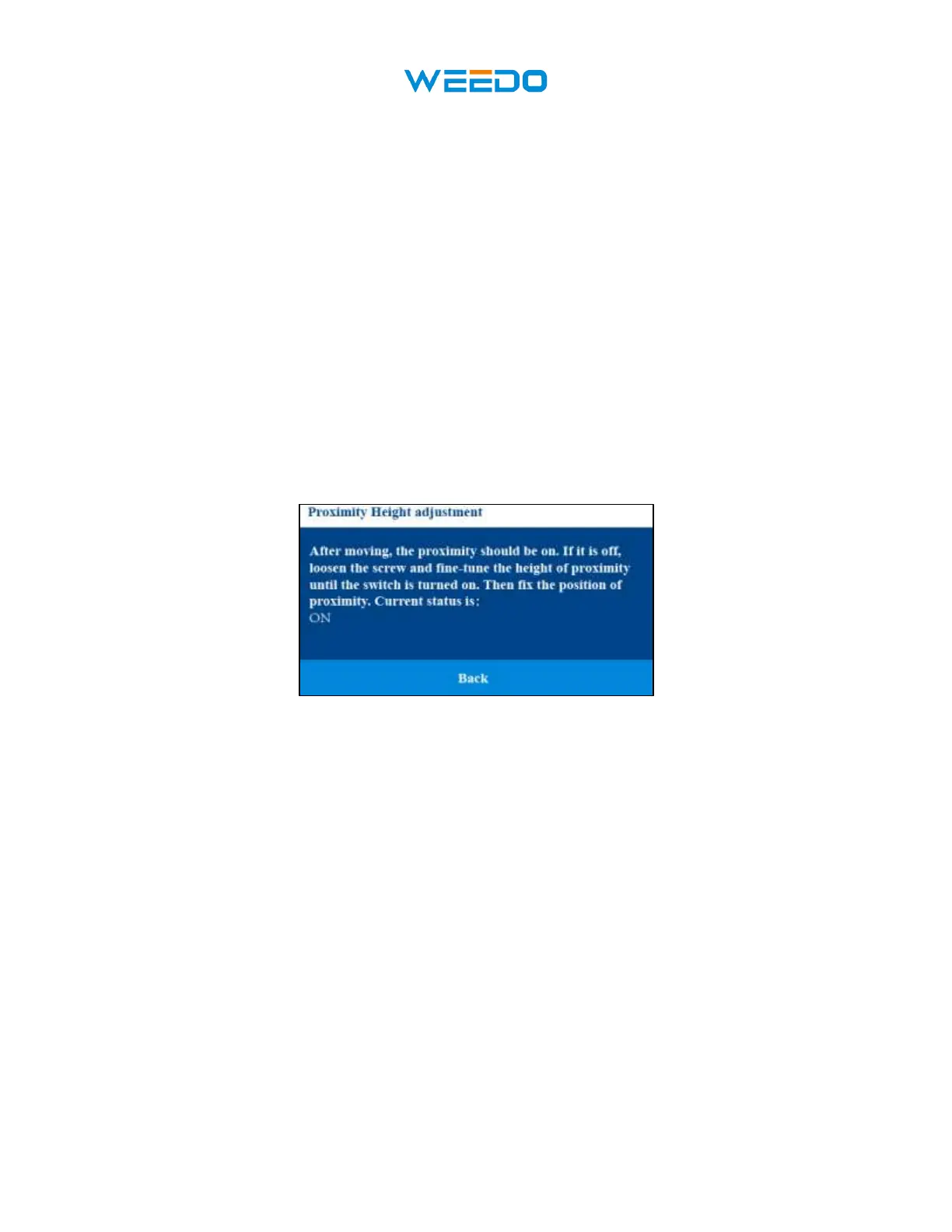
Click Proximity Height Icon to adjust the height of proximity switch.
There is a proximity switch on the left side of the nozzle. When we replace the proximity switch,
we need to adjust the height of the proximity switch. This function can help us adjust the height
of the proximity switch.
Follow the prompts on the interface to complete the adjustment. (Pic42)
Pic42
7.6.8 Nozzle Offset
Nozzle Offset is used for adjusting the XY nozzle Offset and Z nozzle offset between two
nozzles. All these settings are finished before factory. If you replace a new nozzle for adjust
the belt of the printer you have to reset these settings
This interface includes:
◆ X Coarse Tune
◆ XY Fine Tune
◆ Z Offset Tune



 To Next Page