18
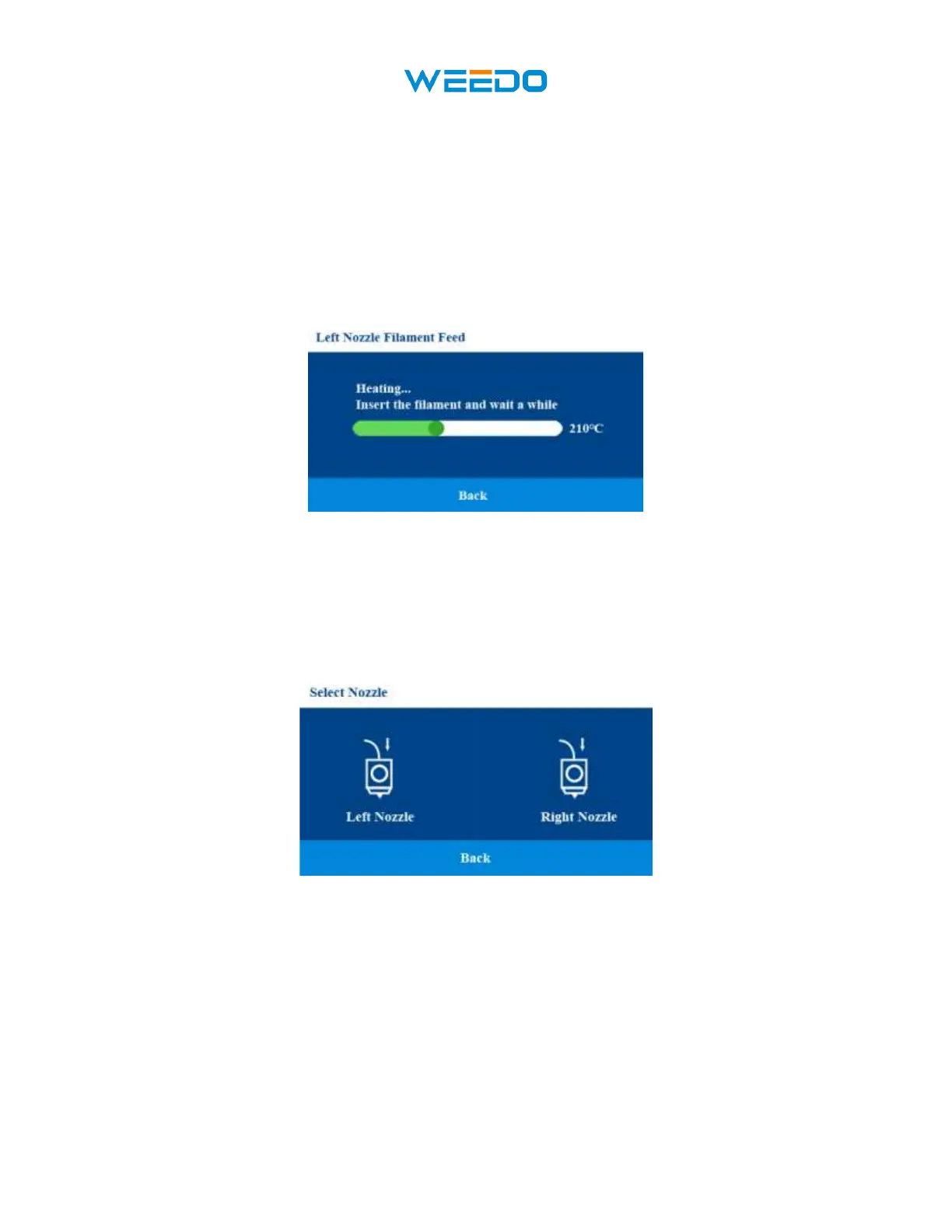
Select the nozzle you want to feed filament, after you select the nozzle, for example select the
left nozzle, the nozzle starts heating (Pic29), at this time insert the filament into Filament guide
tube from extrude. Note: Before inserting the filament into the guide tube, in order to allow the
filament to be inserted into the pipe smoothly, straighten the front end of the filament (Picture 30)
and then hold the handle of the extruder and insert it from the extruder end. As shown in the figure
(Pic31), it can be 2-3cm above the starting joint. After the filament feeding is completed, the
filament will be automatically retracted and returned to the waiting position. This is to allow
another nozzle to feed. Click the Back icon to return to the previous interface.
7.6.2Filament Retract:
Click Filament Retract icon, get into filament feed interface (Pic32). Click the Back icon to
return to the previous interface.
Pic32
Select the nozzle you want to retract filament, after you select the nozzle, for example select the
left nozzle, the nozzle starts heating (Pic33), when the nozzle is heated to the specified
temperature, extruder gear begins to rotate, the filament returned to the waiting position. Click
the Back icon to return to the previous interface.



 To Next Page