19
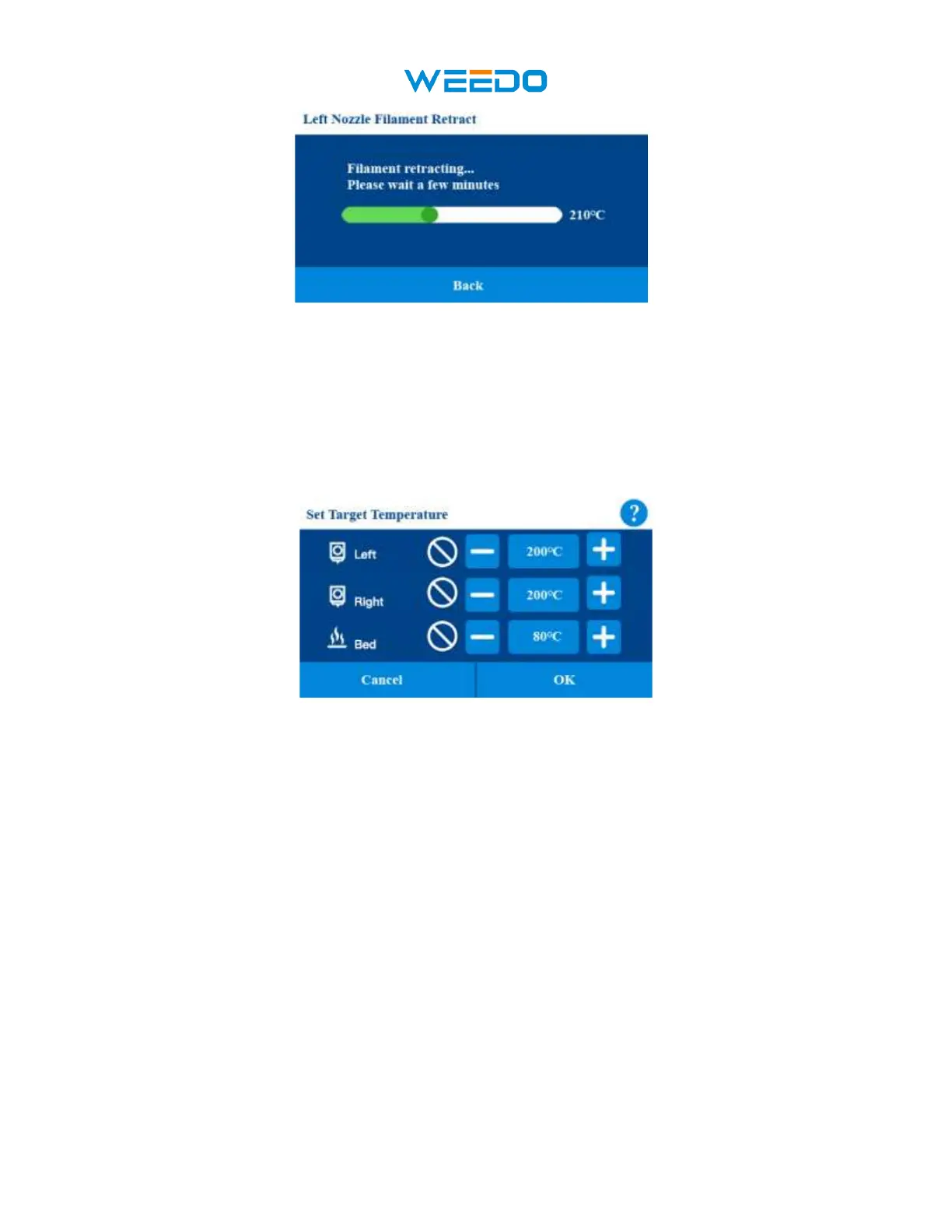
Pic33
7.6.3Preheat:
Click the Preheat Icon get into Preheat interface (Pic34). In the interface, Nozzle and Bed can be
preheated. Choose the target temperature of nozzle and bed and click OK icon, it begins heating,
Click the Cancel icon to return to the previous interface.
Pic 34
7.6.4 Jog Mode:
Click the Jog Mode icon get into Jog Mode interface (Pic35). Click Return Home Icon X Y Z
will go to the home position. Click X Y Z, it will move in X Y Z direction respectively, there are
three step sizes to choose from: 1mm, 1cm and 5cm. Click the Back icon to return to the
previous interface.



 To Next Page