25
8.WIIBUILDER SLICING SOFTWARE
The printer includes the WiiBuilder slicing software on the included SD card. Use the included
card reader to display the contents of the SD card on your PC to install the program.
8.1 Installation
Perform the following steps to install the WiiBuilder slicing software.
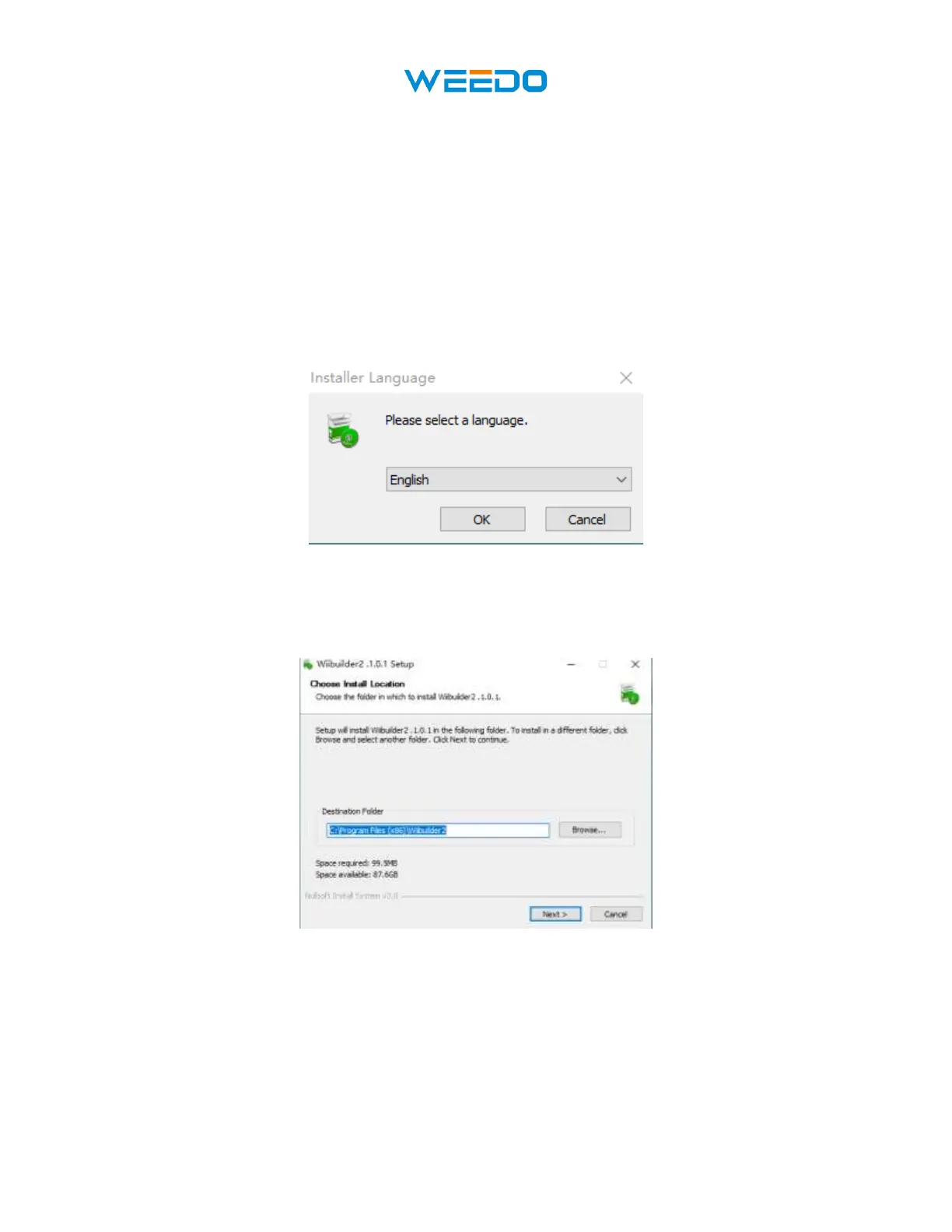
1. Locate and run the WiiBuilder.exe software on the SD card to install the WiiBuilder
software program. The Installer will prompt you for the language to use in the Install
Shield Wizard. Use the pull-down menu to select your preferred language, then click the
OK button to continue.
Pic44
2. The Wizard will prompt you to select the install location. If you don't want to use the
default install location, use the Browse... button to select a different directory. Click the
Next button when you are satisfied with the install location.
Pic45



 To Next Page