17
Pic27
• The help icon in the upper right corner can help you view a detailed description of the
current interface
• Filament Feed: Feed the filament to left and right nozzle.
• Filament Retract: Retract the filament of left and right nozzle.
• Preheat: Set the temperature and preheat the nozzle and bed
• Jog Mode: Move X Y Z axis and X Y Z go to home
• Level Bed:Adjust the flatness of the platform
• Z offset: Set the gap between nozzle and platform
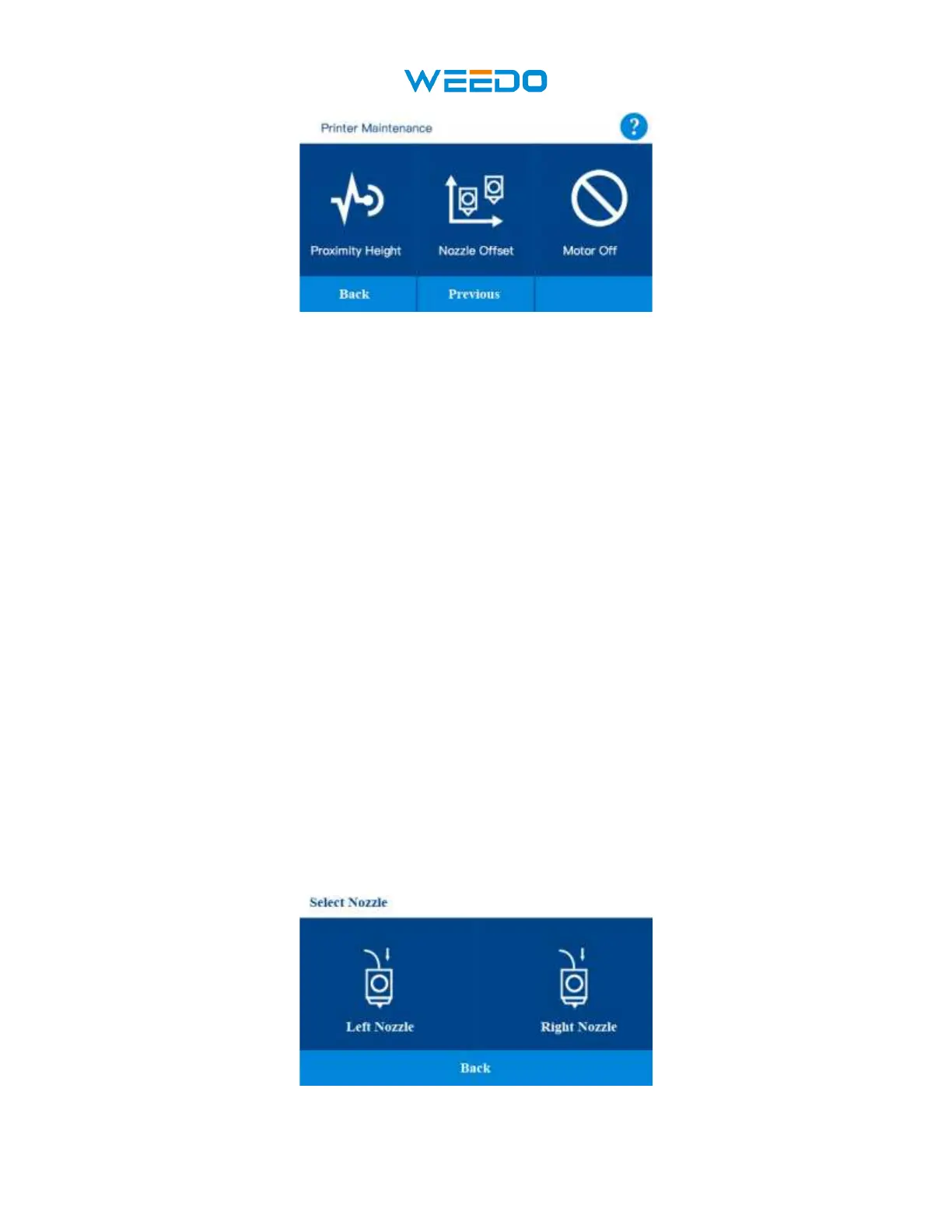
• Proximity Height: Set the height of Proximity Switch
• Nozzle Offset: set the XY Offset and Z offset of two independent nozzles
• Motor Off: Unlock all the motor
• Click the Back icon to return to the main interface, Click the Previous icon to return to
the precious interface, Click the Next icon to enter the next interface.
7.6.1Filament Feed:
Click Filament Feed icon, get into filament feed interface. Click the Back icon to return to the
previous interface.



 To Next Page