39
• Support Top: Determines the thickness of the top layer of the supports.
• Support Bottom: Determines the thickness of the bottom layer of the supports.
• Support Interface: Sets the percentage of infill used inside the supports.
• Support Interface Infill Pattern: Use this drop-down menu to choose one of five infill
patterns for the supports, including Lines, Grid, Triangles, Zig Zag, and Concentric.
The pattern designs are the same as those of the infill patterns of the same name.
• Connect Support: Check this box to connect separate supports into one part.
8.6 Build Plate Adhesion Tab
Pic68
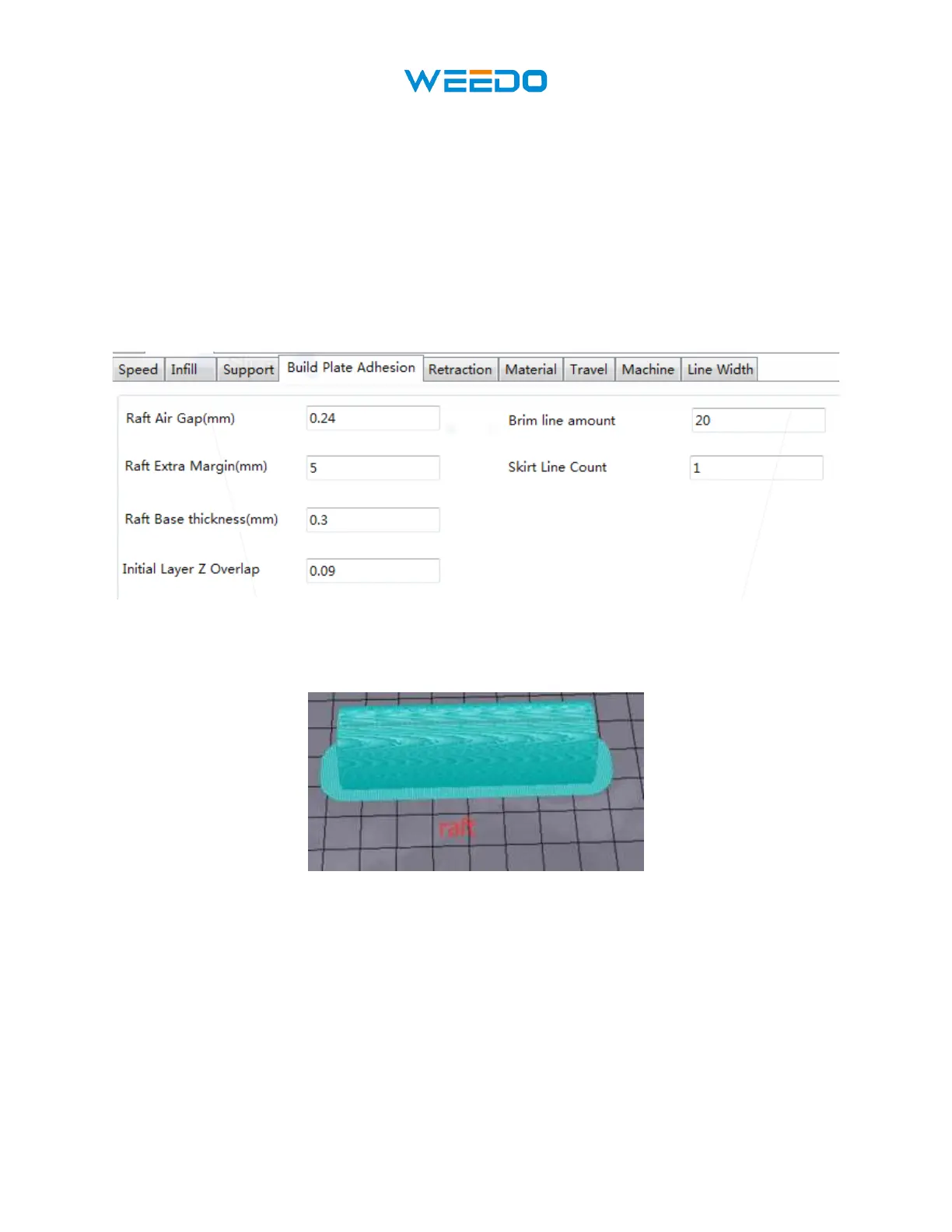
• Raft Air Gap (mm): The distance between the raft and the model. This determines the
difficulty of removing the raft from the model.
Pic69
• Raft Extra Margin (mm): The distance between the edge of the raft and the model
surface.
• Raft Base thickness (mm): Determines the thickness of the raft.
• Initial Layer Z Overlap: Determines the amount of overlap between the first and second
layers of the model.
• Brim line amount: Sets the number of ring gaskets that are added to the edge of the
model in contact with the build platform.



 To Next Page