21
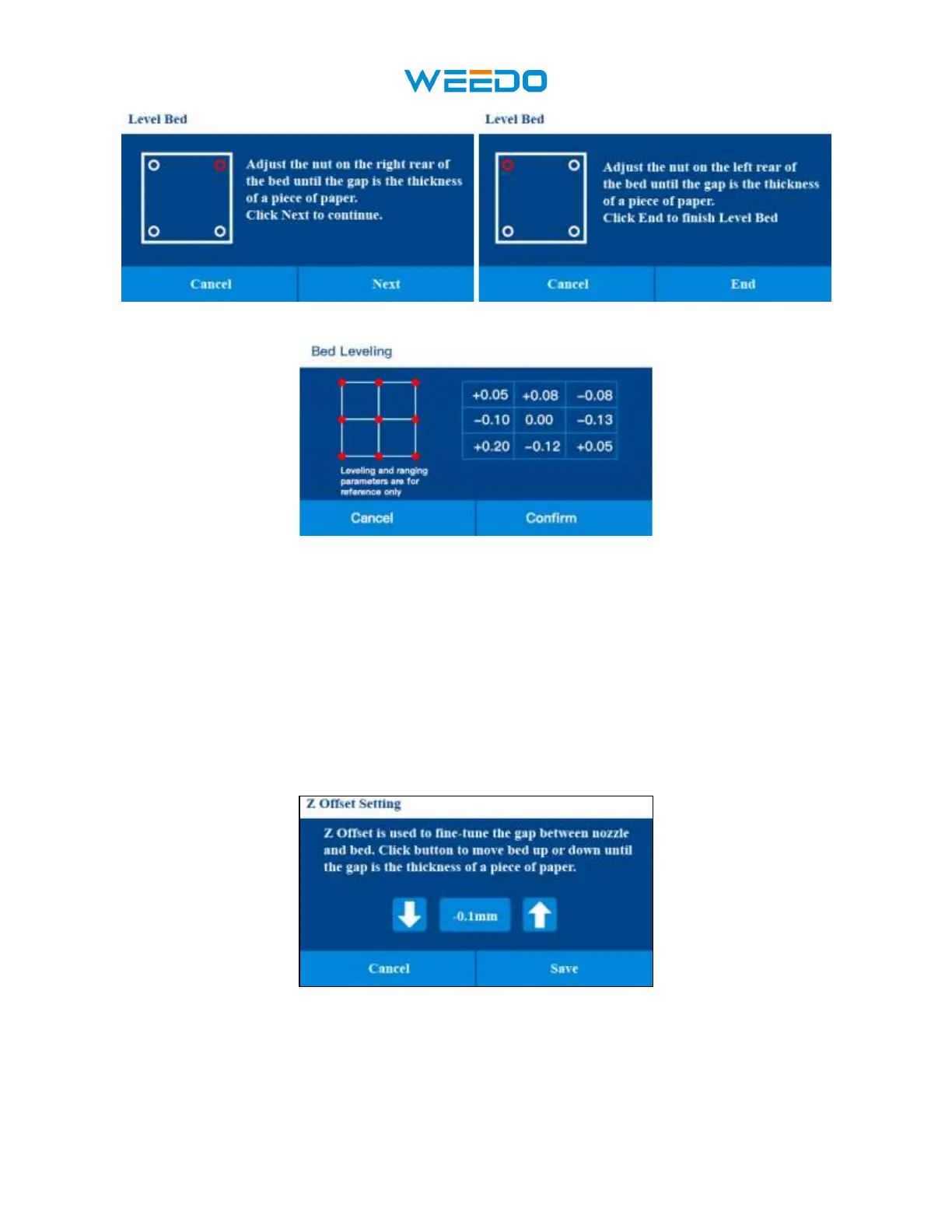
Pic 39 Pic40
7.6.6 Z Offset:
After Level Bed, Please Click the Z Offset icon to adjust the gap between Nozzle and platform.
Note: if the gap is too small, the nozzle will leave deep marks on the platform during
printing, which may cause plugging of the print head and damage the nozzle and the
platform. If the gap is too big, the nozzle will be suspended during printing, causing
printing failure.
Pic41
Please prepare a business card, after our test, the distance between the nozzle and platform
is the best in the thickness of a business card.



 To Next Page