42
• Filament Diameter (mm): Sets the diameter of the filament being used. This printer
only supports 1.75mm diameter filament.
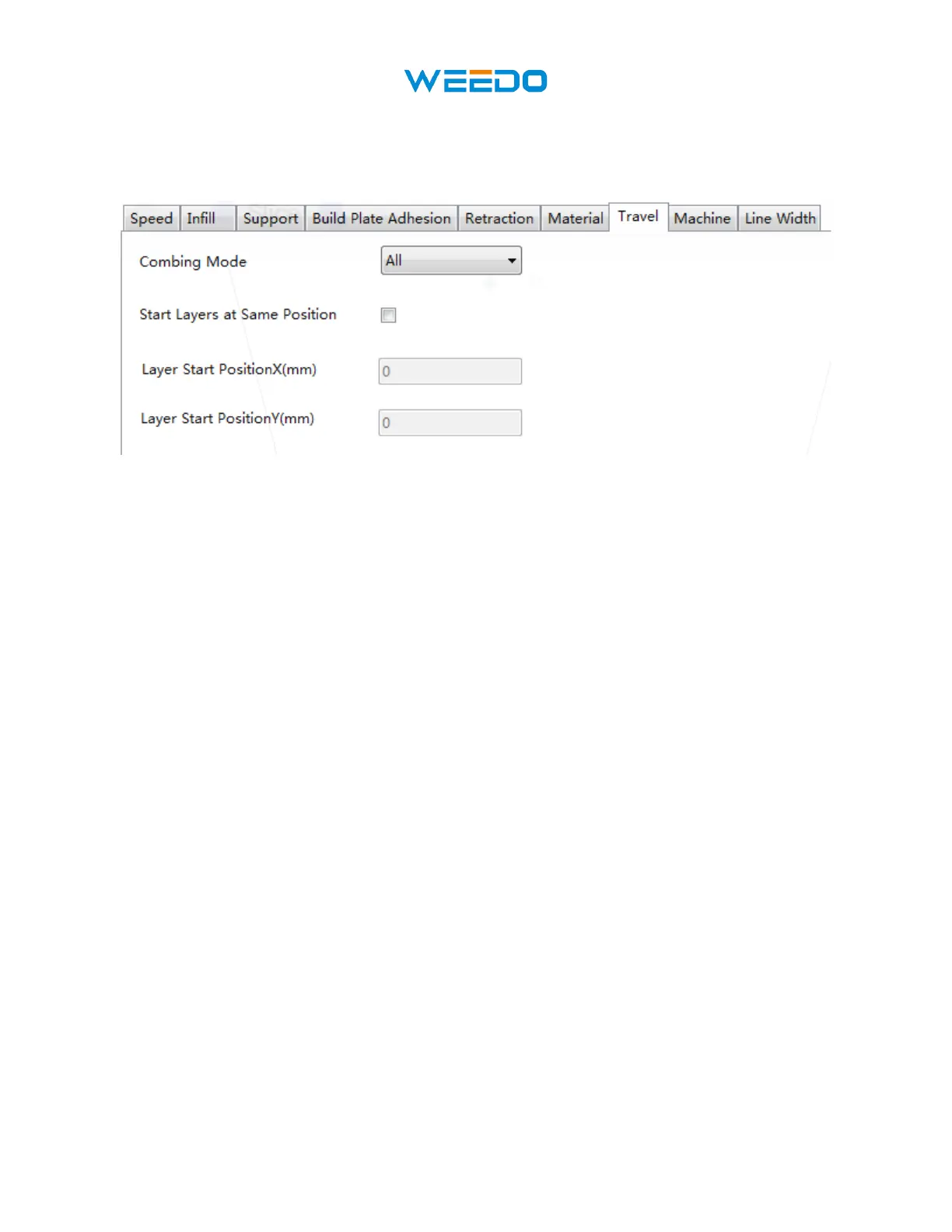
8.9 Travel Tab
Pic74
• Combing Mode: This option determines how the nozzle will move when not printing.
The Off option has the nozzle move the shortest distance between the previous extrusion
location and the new start location. The All option causes the nozzle to move along
anything it has already extruded. The No Skin option will avoid the outer layers to move
the nozzle to the new start location, which can greatly improve print quality.
• Start Layers at Same Position: This option changes the accuracy of the model in the
same plane. It is generally set by default.
• Layer Start Position X (mm): This option allows you to change the X axis coordinates
of the position of the model layer.
• Layer Start Position Y (mm): This option allows you to change the Y axis coordinates
of the position of the model layer.



 To Next Page