15
7.5.6 POST
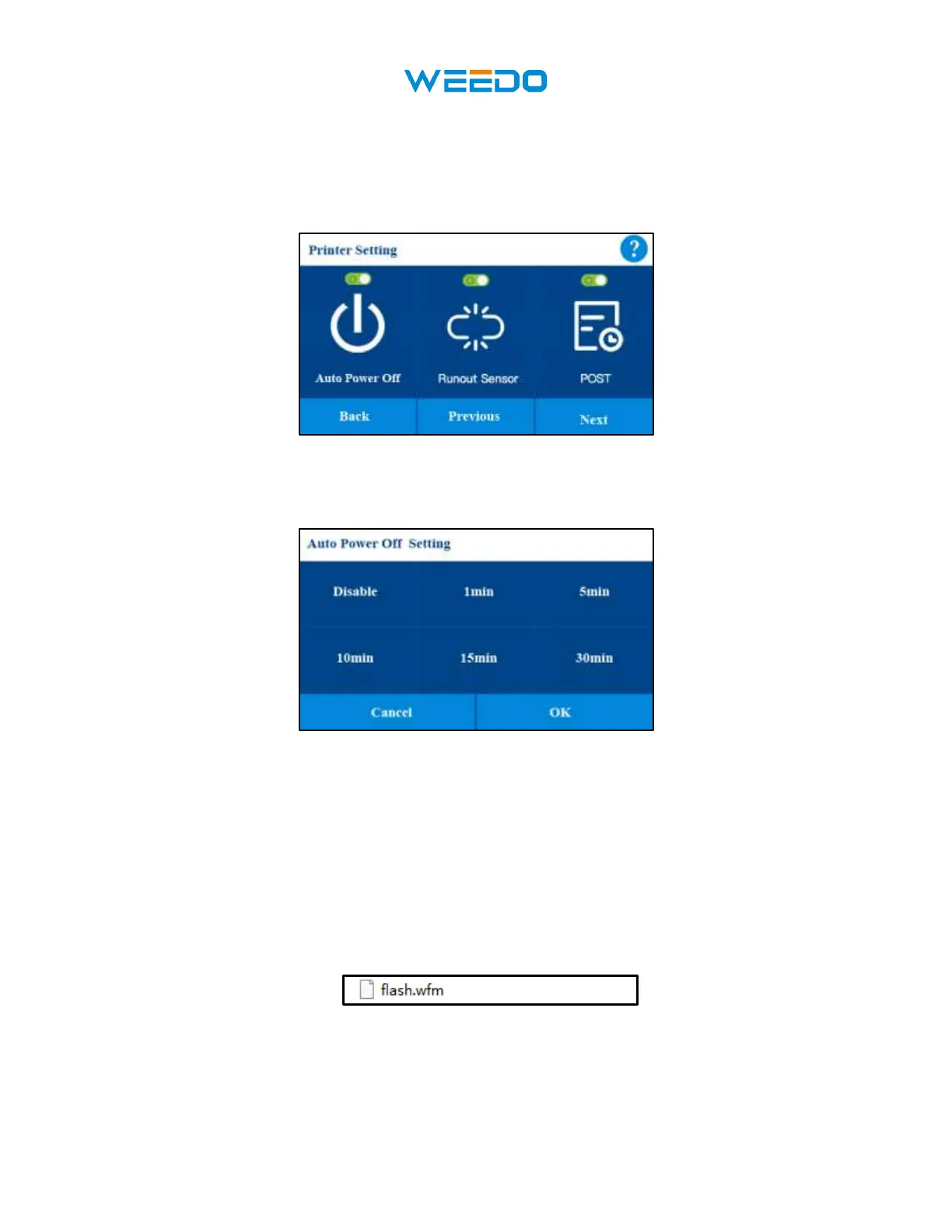
POST: printer will self-testing when the printer turns on. It can turn on or turn off.
7.5.7 Power Save Mode
Pic24
• Mode: Disable means the printer will always power on, if you select 1min and click OK,
do not perform any operation on the machine such as 1 minute, the machine will
automatically shut down to save power
7.5.8 Update:
If there is a new version of firmware published form WEEDO website or wiki website, you can
download it to TF card. The file type is:.wfm and name: flash.
Click update it will update firmware automatically.



 To Next Page