36
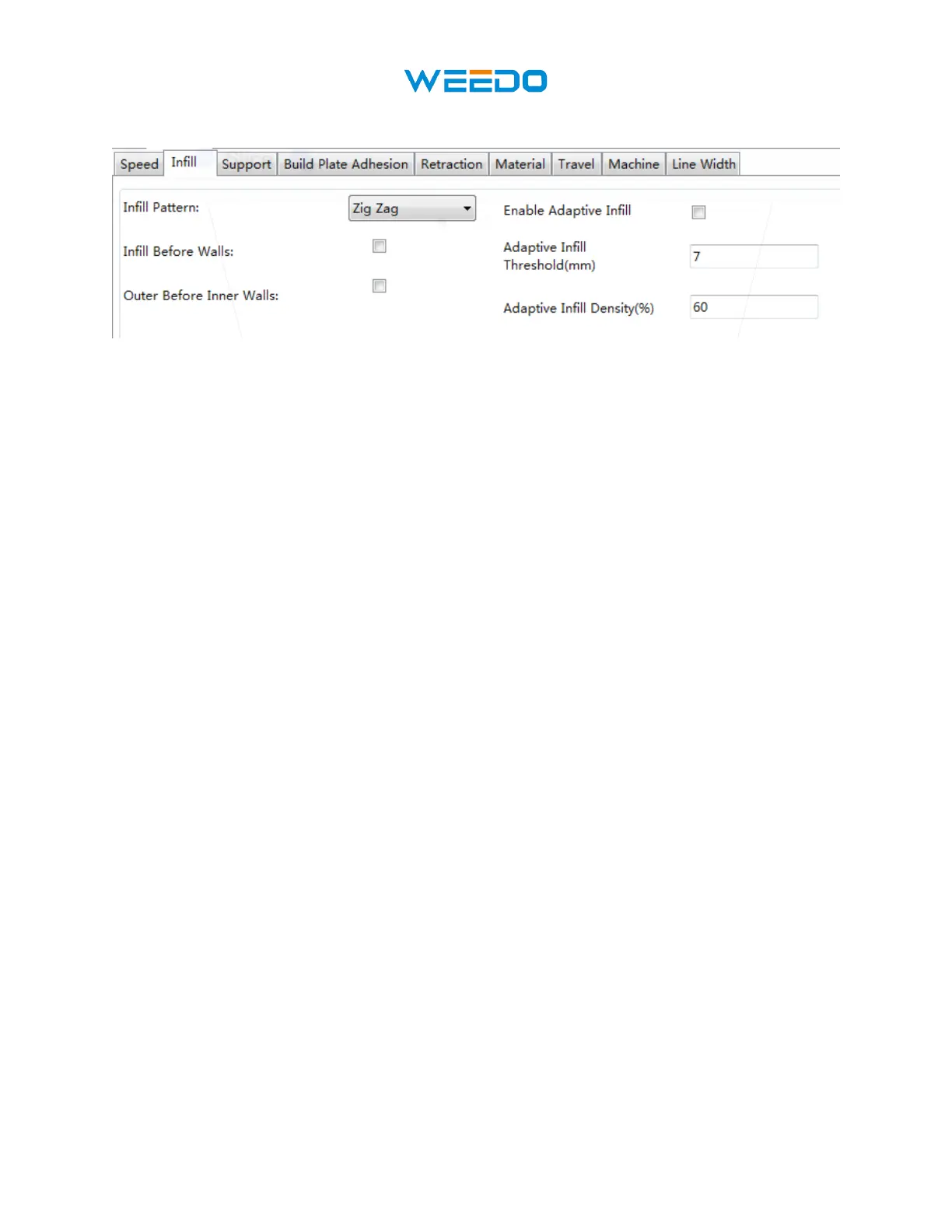
8.4 Infill Tab
Pic66
• Infill Pattern: Use the drop-down menu to select one of seven different infill patterns,
including Lines, Grid, Triangles, Zig Zag, Concentric, Cross, and Octet. The
individual patterns are illustrated in the table below.
• Infill Before Wall: Check this box to print the model after filling and printing the
outline.
• Outer Before Inner Walls: Check this box to print the exterior walls before printing the
interior walls.
• Gradual Infill Steps: For models that need to gradually change the fill rate, this value
determines how many layers to change at once.
• Enable Adaptive Infill: Check this box to enable the adaptive infill. When a thin wall
area appears in the model, the slice engine automatically increases the fill density of this
area.
• Adaptive Infill Threshold: When the thin wall thickness is less than this value, the slice
engine increases the fill density of the area.
• Adaptive Infill Density: Infill density used in thin wall area.



 To Next Page