11
times, the printing effect on the model surface will become worse. If you want to
print faster, set the speed in the slicing software.
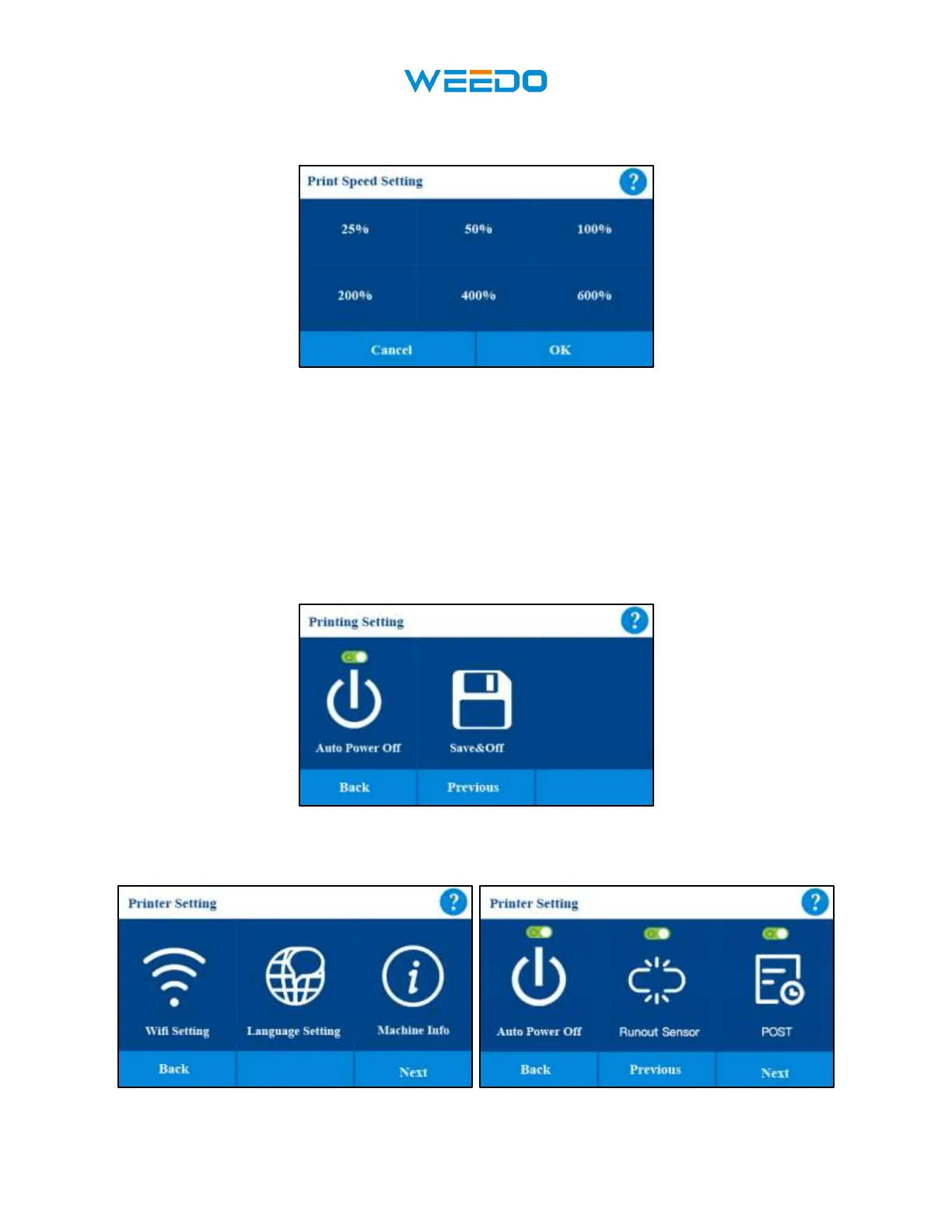
Pic17
• In this interface you can set the Auto Power Off function (Pic18) on or off, if this
function is on, after each printing completed, the device will automatically shut down. If
this function is off, it will not shut down after printing finished.
• When you are printing a model, you suddenly have to go out and do something else, and
you are worried about the model printing. At this time, you can select the Save & Off
function (Pic18), which can save the current printing progress, and then automatically
shut down. Next time you turn on the machine, you can continue printing from the
previous print progress.
Pic18
7.5 Setting Interface
Pic19 Pic20



 To Next Page