14
• Printed Time: The time print has printed, the first time you get the print the printed time
may not show zero, do not worry, all of our machine has tested before leaving the factory
• Firmware Version: the firmware version of the printer, the firmware version will change
after the new firmware is updated.
• UI Version: the UI version of the printer, the UI version will change after the new UI is
updated.
• Device Serial: unique serial number when the device was manufactured.
• WIFI Device: The WIFI module of this printer is WIFICAM
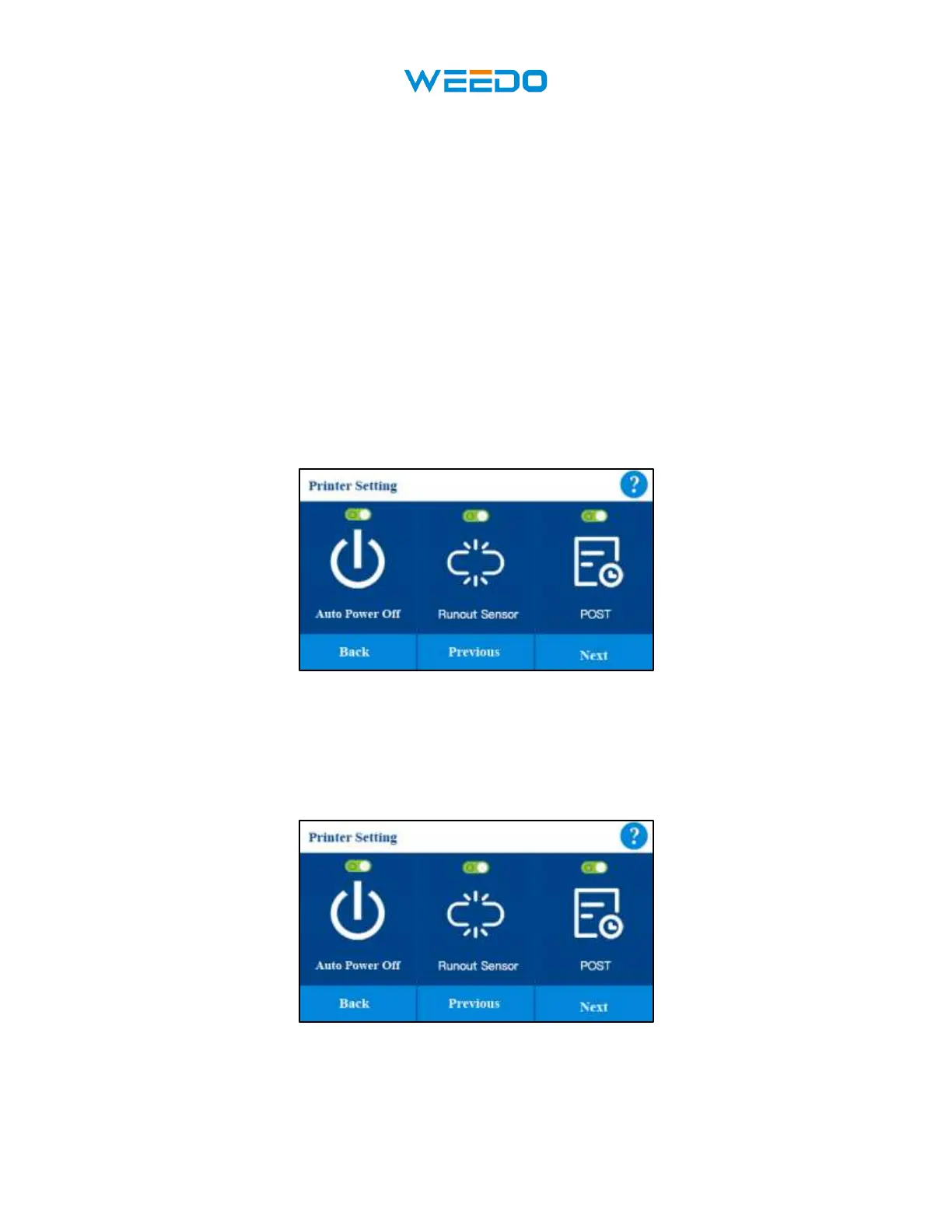
7.5.4 Auto Power Off
Auto Power Off: printer will automatically shutdown after printing finished. It can turn on or
turn off.
7.5.5 Runout Sensor
Runout Sensor: printer will paused if the filament runout. It can turn on or turn off.



 To Next Page