16
7.5.9Parameters
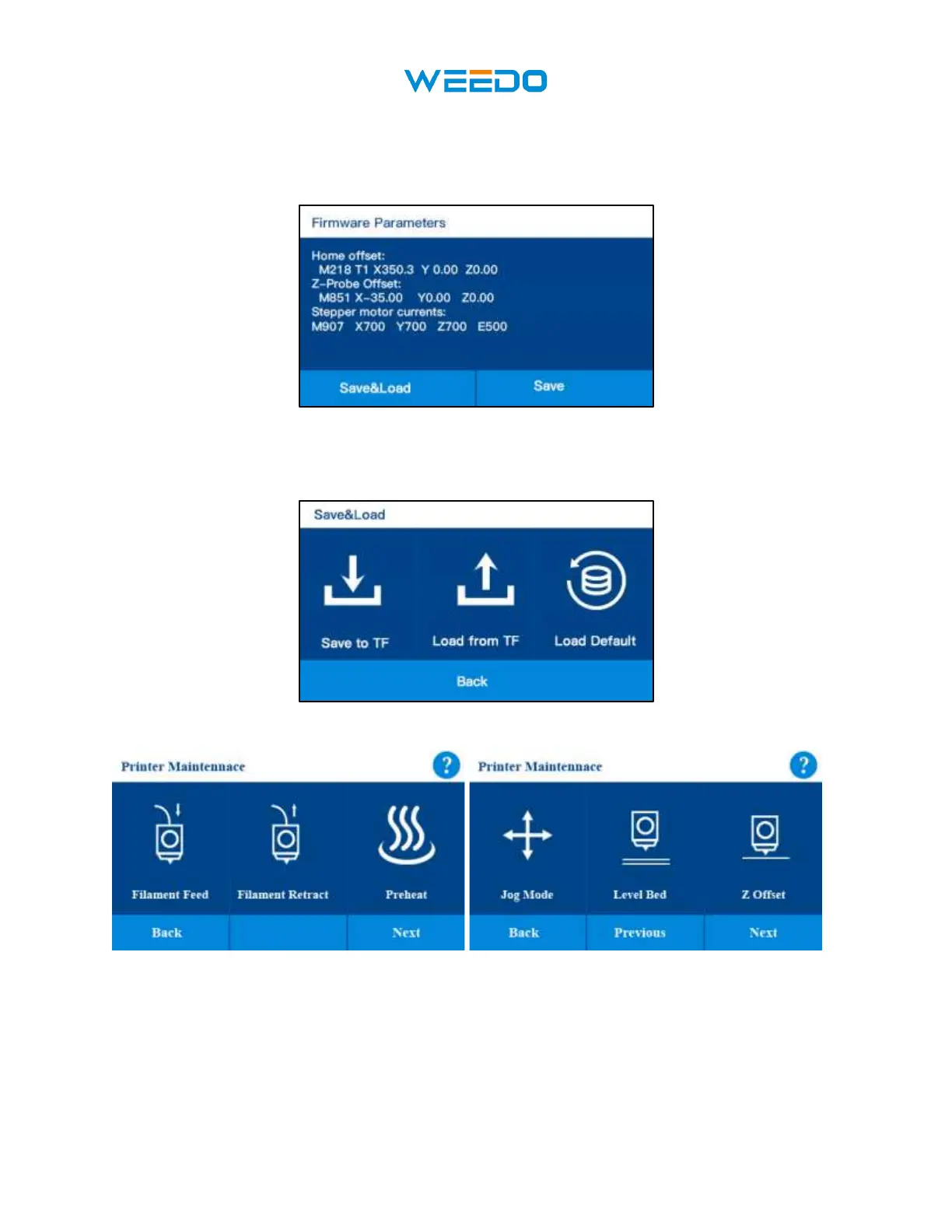
This interface shows the Firmware parameters of the printer, Home Offset, Z-Probe Offset.
If you connect to the computer and do some parameters testing, please save the parameters to
TF card, and Load from TF card for the originally parameters if your changed parameters
gets wrong printing.
7.6 Maintenance interface
Pic25 Pic26



 To Next Page