27
8.2 WiiBuilder Setup
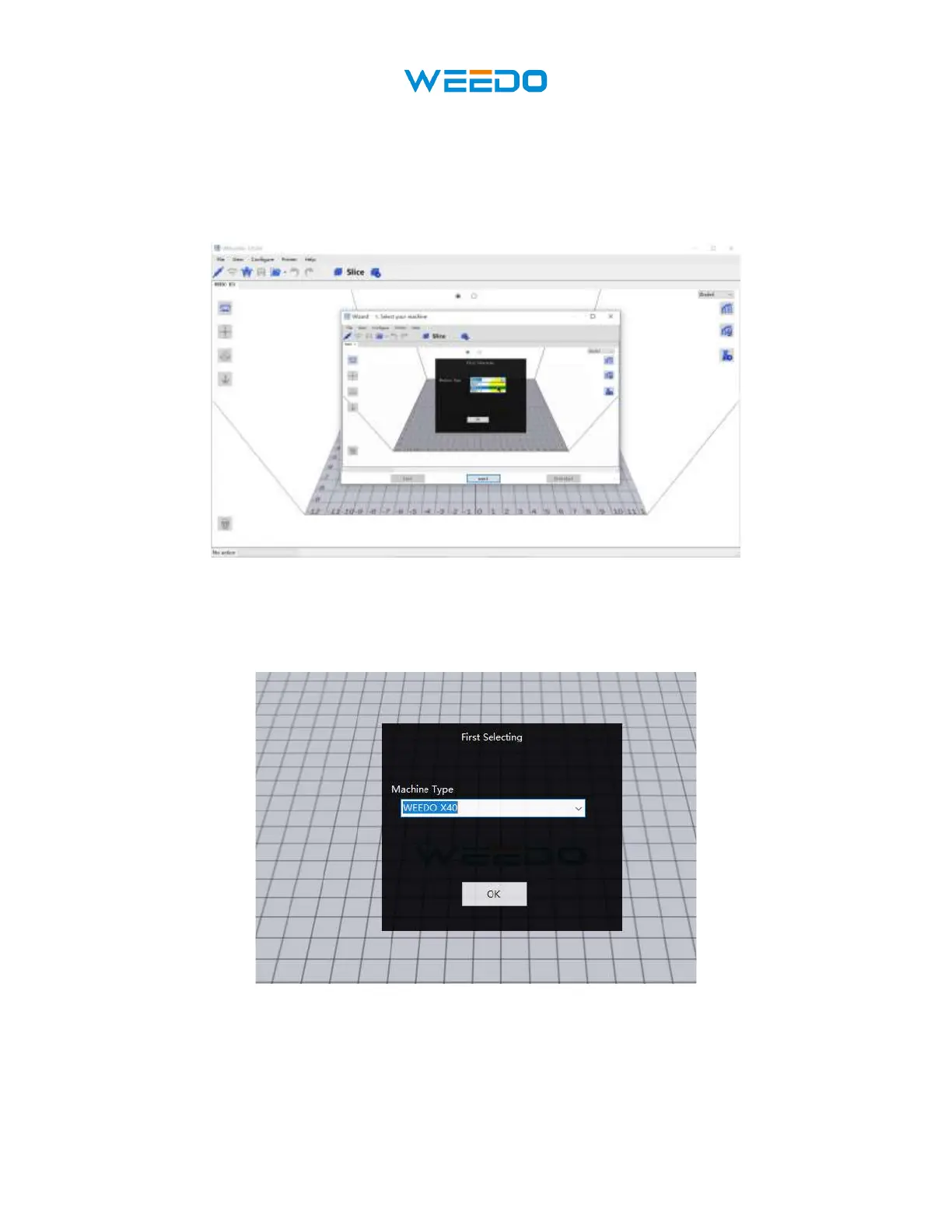
1. Once the program launches, the Initial Setup Wizard will launch. It will inform you of
several program basics, including how to load model files, the locations of the slice
buttons, etc. Read each page, clicking the next button to proceed from page to page.
Click the finished button on the final page to close the Wizard.
Pic49
2. Once the Wizard closes, you will be prompted to select the printer model and the units of
measure you want to use. ME40 Pro is the default selection. Click the OK button to
continue.
Pic50
3. Click the Toolbar button Slicing Settings, open the Slicing Settings dialog. (Pic51)



 To Next Page