33
Pic61
9. How to load two models and merge them together.
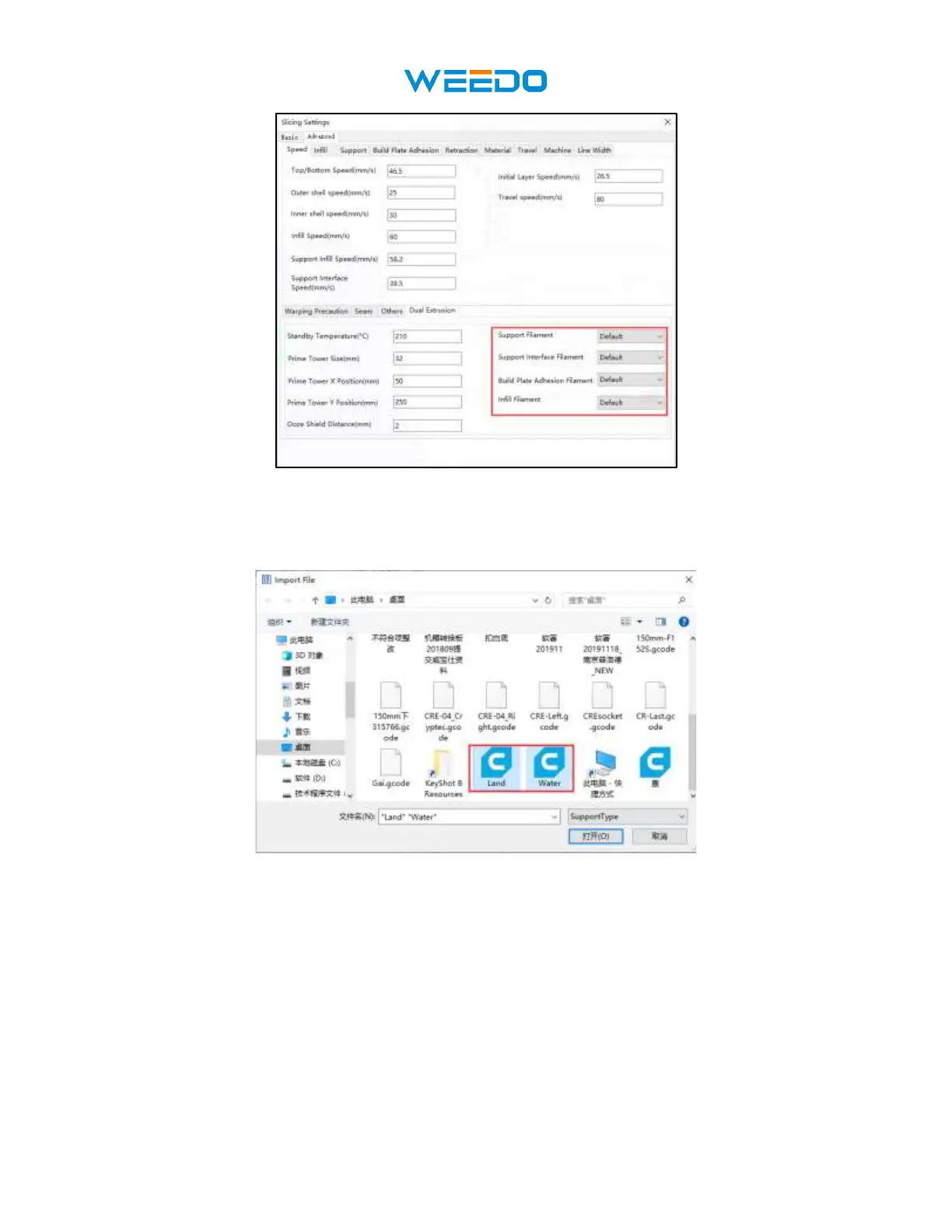
Load two models simultaneously with the ‘Ctrl’ key on your keyboard. Show in Pic62.
Pic62
After the model is loaded into the software, hold down the ctrl key on the keyboard, click the
left mouse button to select both models at the same time, then right-click and select ‘Merge
Muti-Model’, show in Pic63. After merge the model, two model become one model, as show
in Pic64. Note: both models must be models that can be merged to perform this step.
Set the two-color model according to the setting method of the movable model
described above.



 To Next Page