47
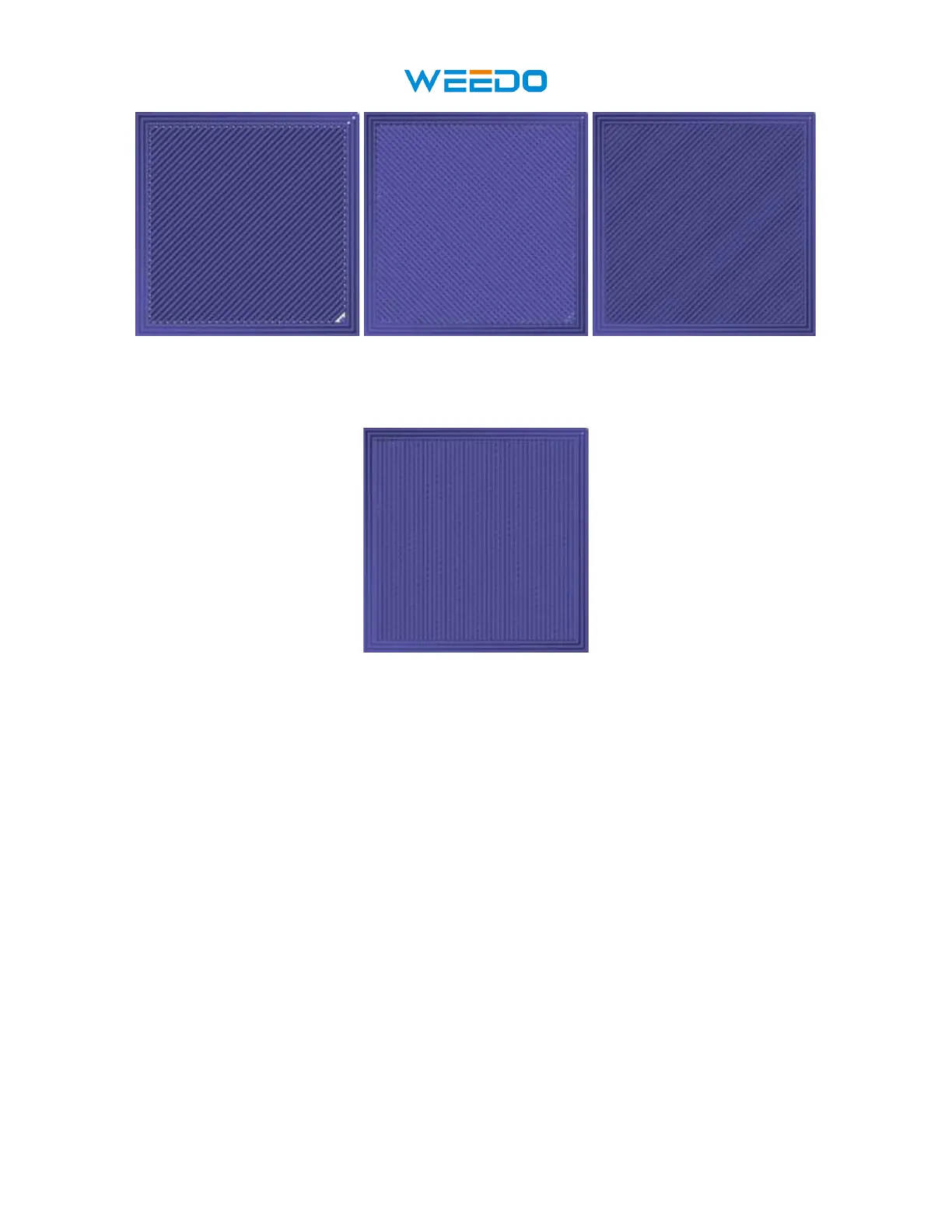
Pic81 Pic82 Pic83
The following image illustrates the print direction of layer three when the Skin Alternate
Rotation option is enabled.
Pic84
• Enable Print Cooling: When enabled, cooling air will be directed at the printed part.
• Enable Draft Shield: When enabled, this printer will print a wall around the model to
prevent environmental breezes or drafts from affecting the cooling. This is typically used
when Enable Print Cooling is disabled for filament that needs a longer cooling time,
such as ABS.
• Wall Line Count: This option determines the number of walls to print.



 To Next Page