30 2576780000/00/02-2018
Conguration
Display prole (addr. 037)
Adjustment range: 0 to 3
0 - Display prole 1, default setting.
1 - Display prole 2, default setting
2 - Display prole 3, default setting
3 - Customised display prole.
Prole settings
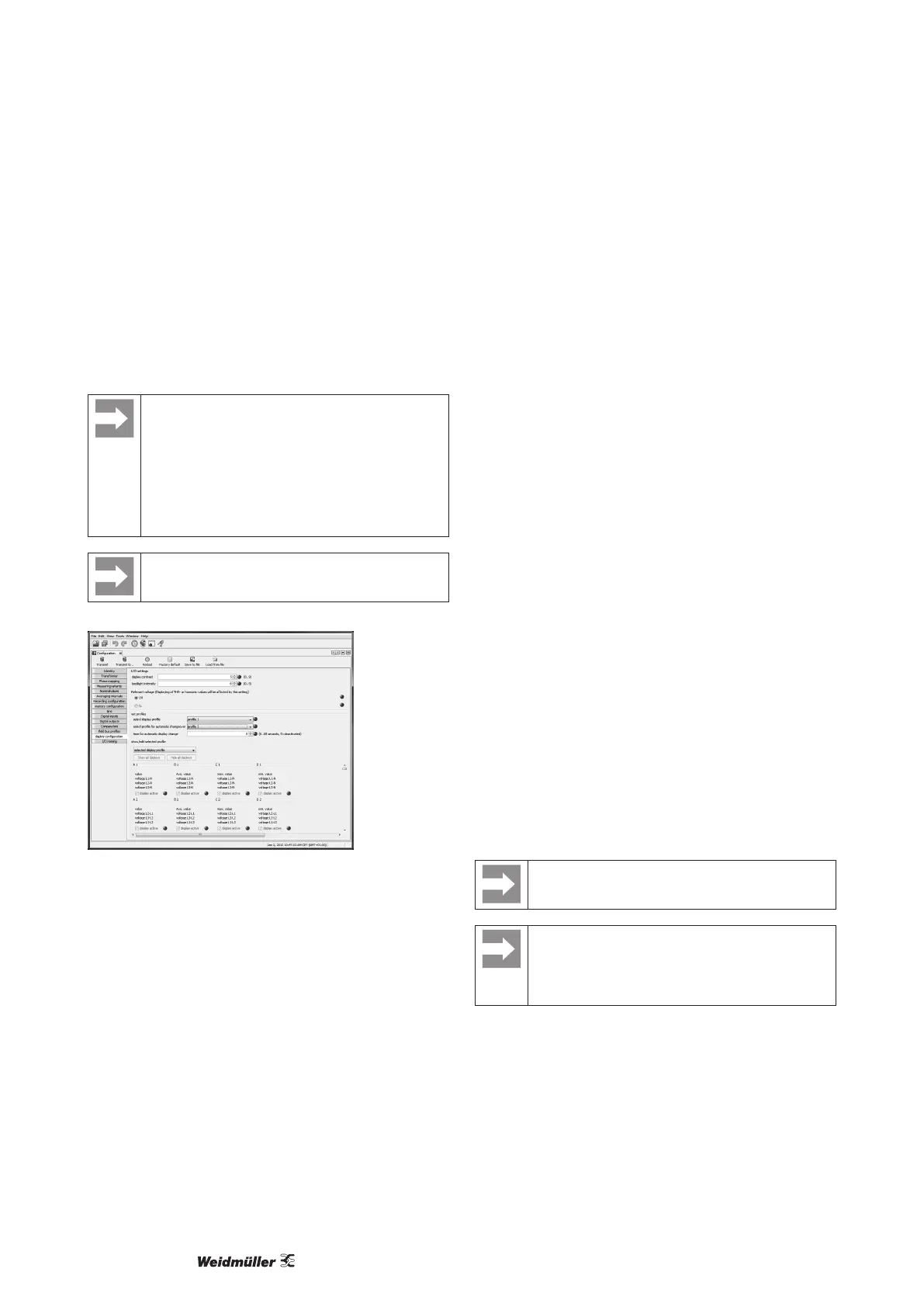
The proles (display change prole and display prole)
are clearly shown in the ecoExplorer go software. The
proles can be adjusted in the software via the device
conguration; customised display proles can also be
programmed.
A connection between the Energy Meter 610/610-PB
and the PC via the serial interface (RS485) is required
for using the ecoExplorer go software.
The customised proles (display change prole and
display profile) can only be programmed via the
ecoExplorer go software.
Fig.: Display of the prole setting in the ecoExplorer go software.
User password (addr. 050)
A user password can be programmed in order to impede any ac-
cidental change to programming data. A switch to the next pro-
gramming menu can only be made after entering the correct user
password.
No user password is specied in the factory. In this case, the
password menu is skipped and the current transformer menu is
reached directly.
If a user password was programmed, the password menu will ap-
pear with the display “000”.
The rst digit of the user password ashes and can be changed
with button 2. The next digit is selected by pressing button 1 and
will begin ashing.
The programming menu for the current transformer can only be
accessed after entering the correct number combination.
Forgotten password
If you have forgotten the password, the password can only be
cleared by using the ecoExplorer go PC software.
To do this, connect the Energy Meter 610/610-PB to the PC via a
suitable interface. More information can be found in the help sec-
tion of ecoExplorer go software.
Clear energy meter (addr. 507)
The active, apparent and reactive energy meters can only be
cleared together.
Address 507 must be written with “001” in order to clear the con-
tents of the energy meters.
Prior to commissioning potential production dependant
contents of the energy counter, min/max values and
records have to be deleted.
Clearing the energy meters means this data in the
device is gone.
In order to avoid possible data loss, read and save
the measured values with the ecoExplorer go software
before clearing.



 To Next Page