40 2576780000/00/02-2018
Commissioning
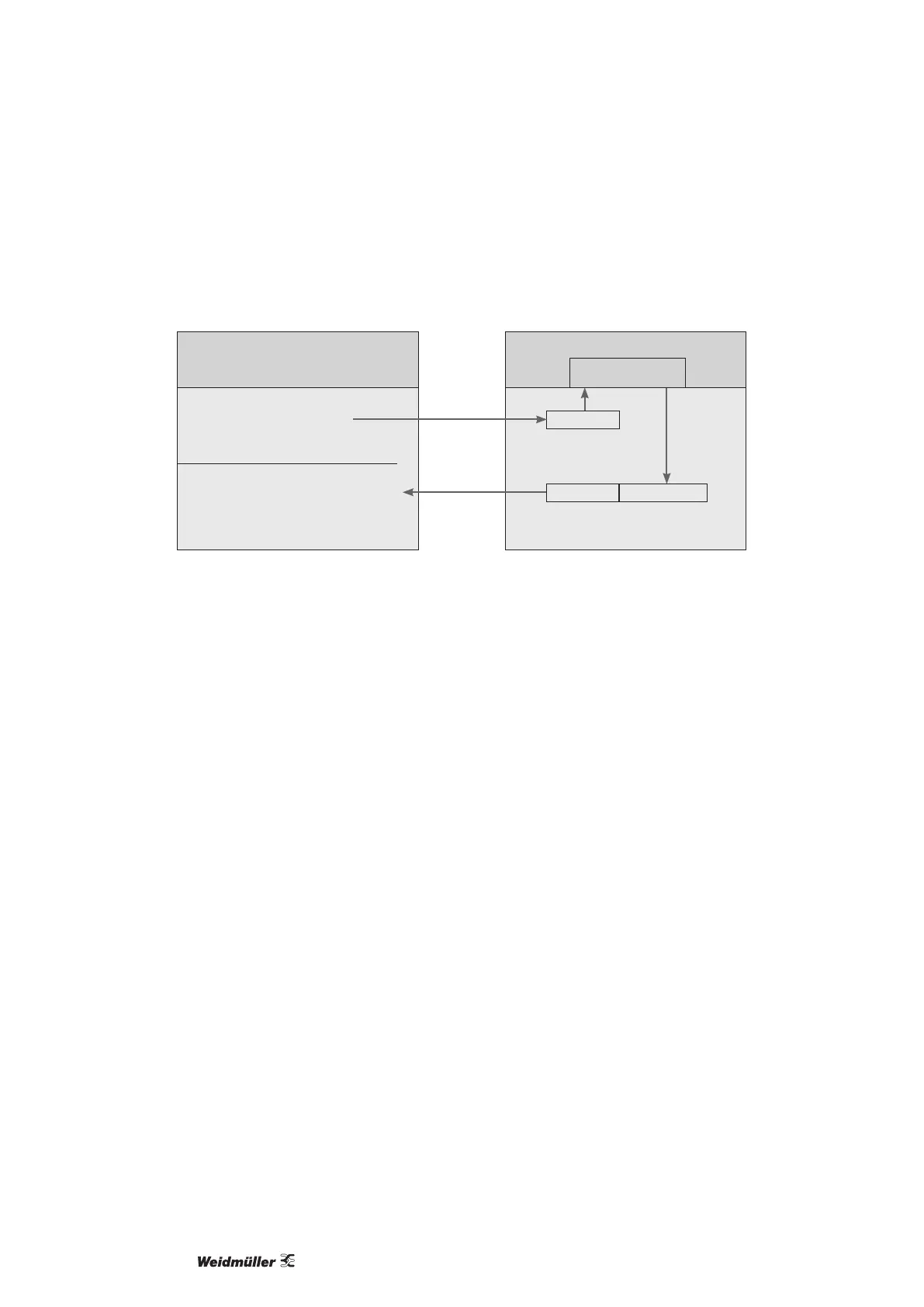
Example: Using Probus to retrieve measurement values
At least one Probus prole must be set up with ecoExplorer go software and transferred to the Energy Meter 610-PB.
PLC
PLC process output box
1st byte = Prole number (0 .. 11)
2nd byte = Set digital outputs
3rd byte = Select tariff
4th byte = Select energy meter
PLC process input box
1st byte = Return signal from the prole number
2nd byte
= Requested by Energy Meter 610-PB
Data
•
•
Energy Meter 610-PB
Fetch measured values
for this prole number.
Prole number
Prole number
Measurement values
Fig.: Block diagram for data exchange between PLC and Energy Meter 610-PB.
Device master le
The device master le, or GSD le, describes the Probus charac-
teristics of the Energy Meter 610-PB. The GSD le is required by
the conguration program of the PLC.
System variables
Various system variables (measured values) are available in the
formats Float and Integer (byte order: Big and Little Endian).
These variables are clearly dened and listed in the Modbus ad-
dress list. A customized scaling and conversion to other formats
are not possible. In case that a different data type of a variable is
required, an alternative representation of the variable (value) must
exist (see Modbus address list).
Prole formats
The measuring values in the Probus prole number 8 till 11 have
the format „high byte before low byte“.
For measurements values in the format „low byte before high byte“
must be added to the Probus prole number 128!



 To Next Page