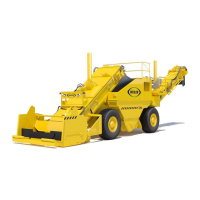
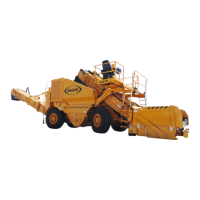
1
WEILER E1650 REMIXING TRANSFER VEHICLE
2-30
Machine Controls
2
Machine Controls
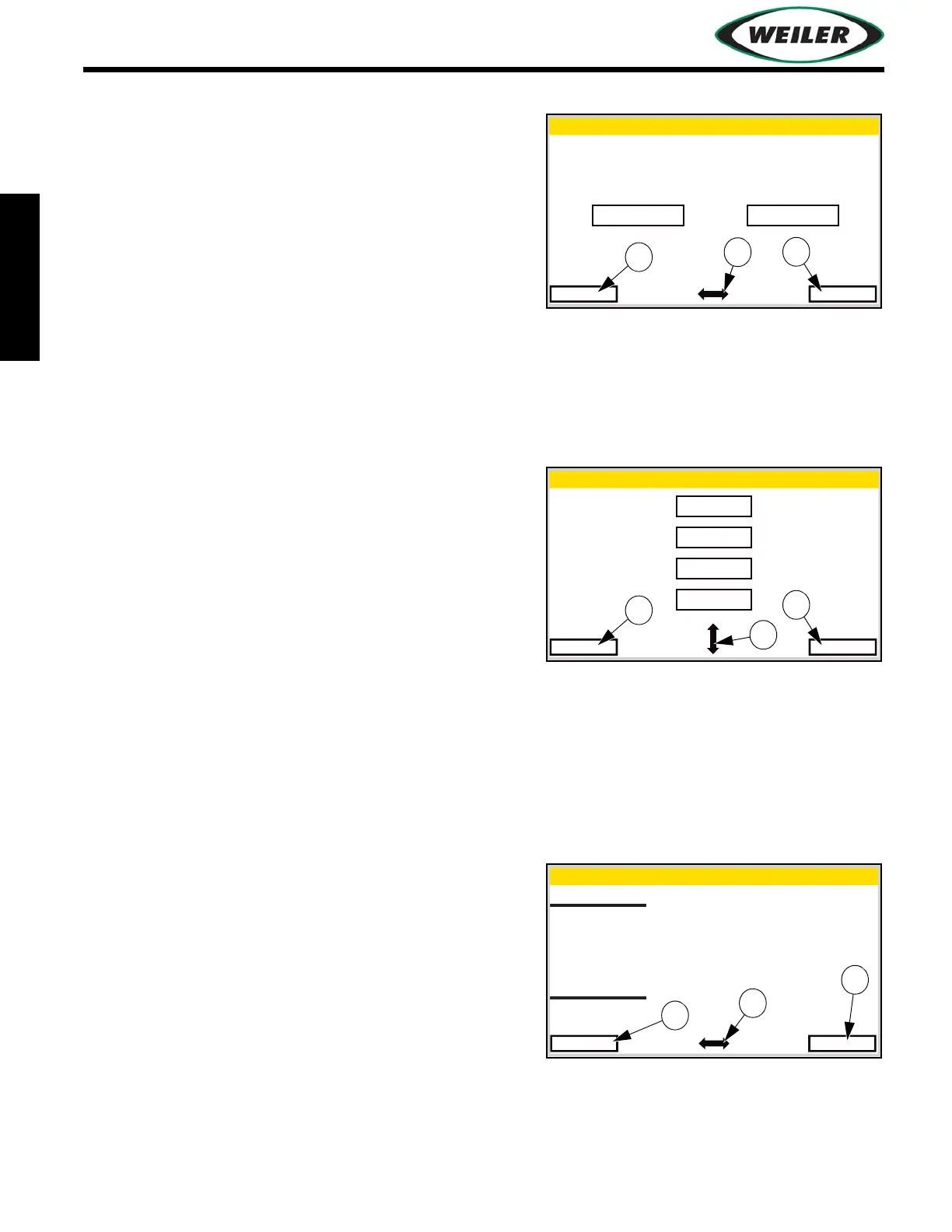
Units Selection Screen
Use Navigation Control Button (1) to highlight field.
Select (2) field and use Navigation Control Button to
change value. Exit (3) to return to Menu Screen.
Language Selection Screen
Use Navigation Control Button (1) to highlight field.
Select (2) field and use Navigation Control Button to
change value. Exit (3) to return to Menu Screen.
View Errors Screen
Number of active errors is displayed constantly.
Occurrences of displayed error and error descriptions
scroll continuously on the display. The upper section of
screen displays machine error messages and lower half
displays engine ECM errors.
Use Navigation Control Button (1) to scroll through
active errors.
Press (2) to clear inactive errors.
Press (3) to exit to previous screen.
Units Selection
Exit Select
Standard
Metric
Language Selection
English
Svenska
Norsk
Espanol
Exit Select
View Errors
Exit
None
Machine Errors
OC: 0
FMI: 0
SPN: 0
Active Faults: 0 of 0
Engine Errors
Clear


 To Next Page