Controls, indicators, and connectors
Note Your model might not contain all of these features.
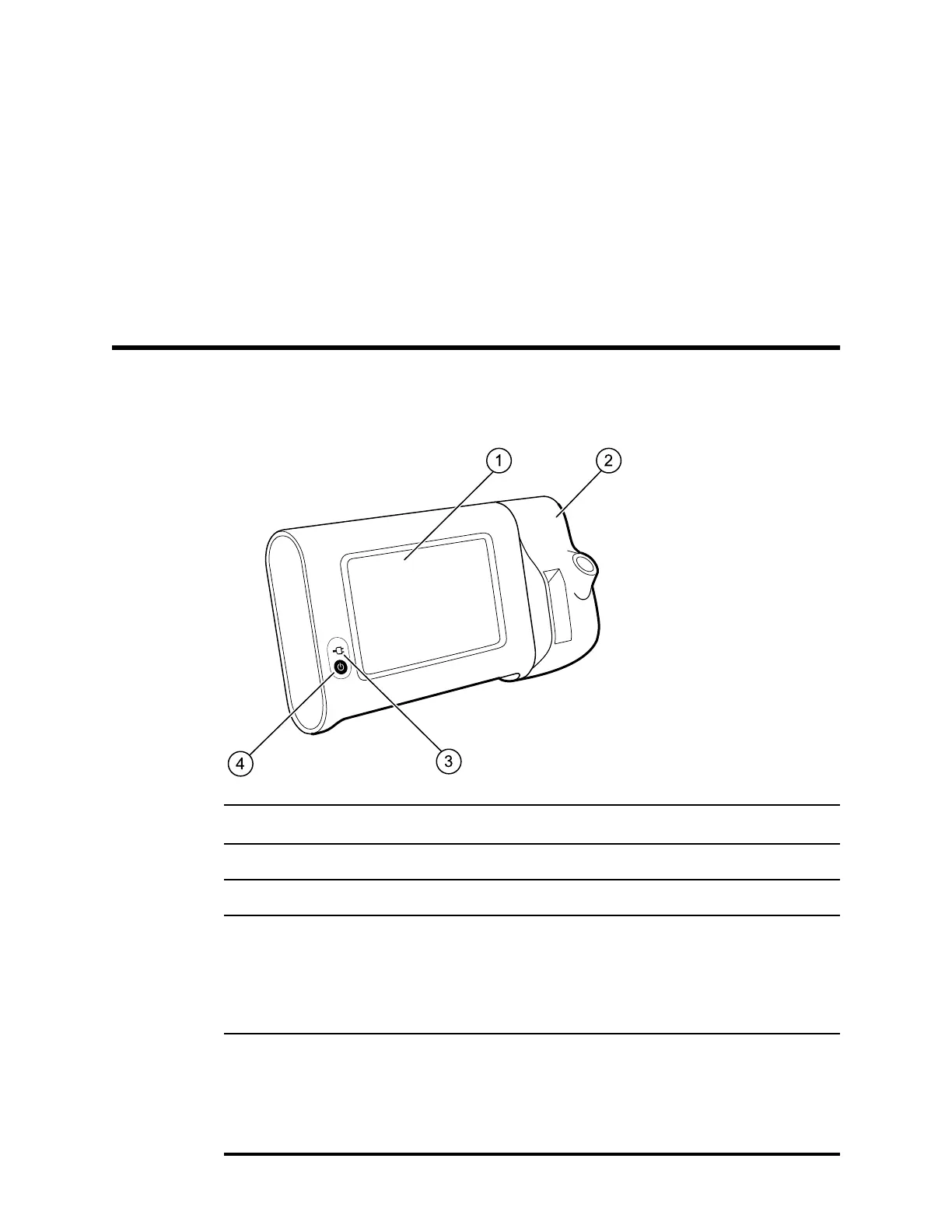
Front-Left view
No. Feature Description
1 LCD screen 7" color touchscreen provides a graphical user interface
2 Thermometry Configuration shown features SureTemp module
3 Battery charge and power-up status indicator
The LED indicates the charging status when connected to AC
power:
• Green: The battery is charged
• Amber: The battery is charging
• Flashing: The LED flashes during power-up
4 Power button
Blue button on lower-left corner of the monitor
• Powers up the monitor
• Places into Sleep mode, except when an alarm condition is
active (brief press)
• Wakes up the monitor from Sleep mode
19



 To Next Page
 Loading...













