XAG AUSTRALIA
86
01
Aircraft Name
Customer Name / Identification of the selected Aircraft.
02
Device Details
: Tab this icon to open Device Details of this Aircraft.
03
Signal Strength (Cellular)
: Shows the signal strength of the Aircraft’s Cellular Network.
04
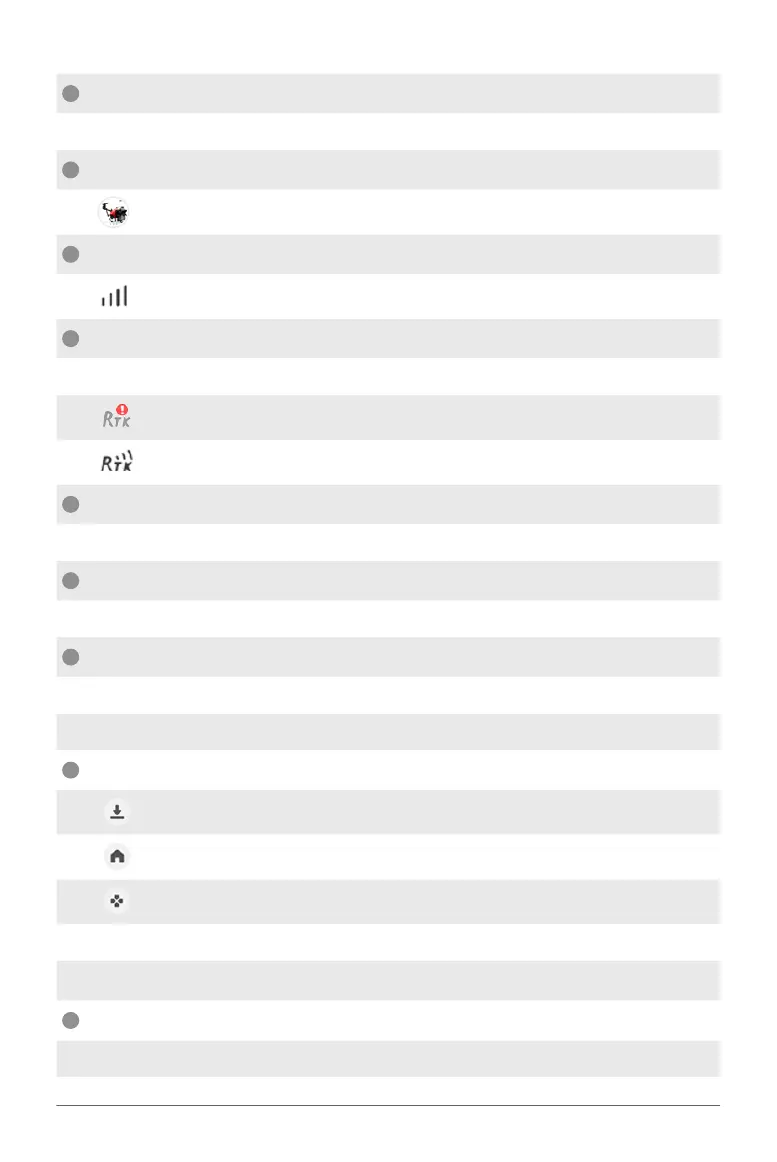
RTK
Shows the status and connectivity of the RTK.
: Insufficient Satellites for Autonomous Operation.
: Sufficient Satellites for Autonomous Operation.
05
Battery
Shows the remaining Battery Voltage.
06
Liquid
Shows the remaining volume of the RPA’s Liquid Container.
07
Hover / Continue
Hover: Command the RPA to Hover.
Continue: Command the RPA to resume Task.
08
More Settings
Land: Command RPA to force Land at its current location.
Return: Command RPA to Return and Land.
Tap & Go: Command RPA to move to location specified by Pilot.
Follow Terrain: Enable / Disable Terrain following in Operation route.
Obstacle Avoidance: Enable / Disable Obstacle Avoidance.
09
Task Status Bar
Shows the Completion rate of the Aircraft’s Task.



 To Next Page