153
XAG AUSTRALIA
06. Take-off: Initiate manual take off by moving both sticks to the inner-lower corners or outer-lower
corners simultaneously. This action should be performed smoothly and quickly. Once you've
completed the CSC, you'll have 3 seconds to push the throttle stick upwards to lift the drone off
the ground. If you don't do this within the 3 seconds, the motors will automatically shut down.
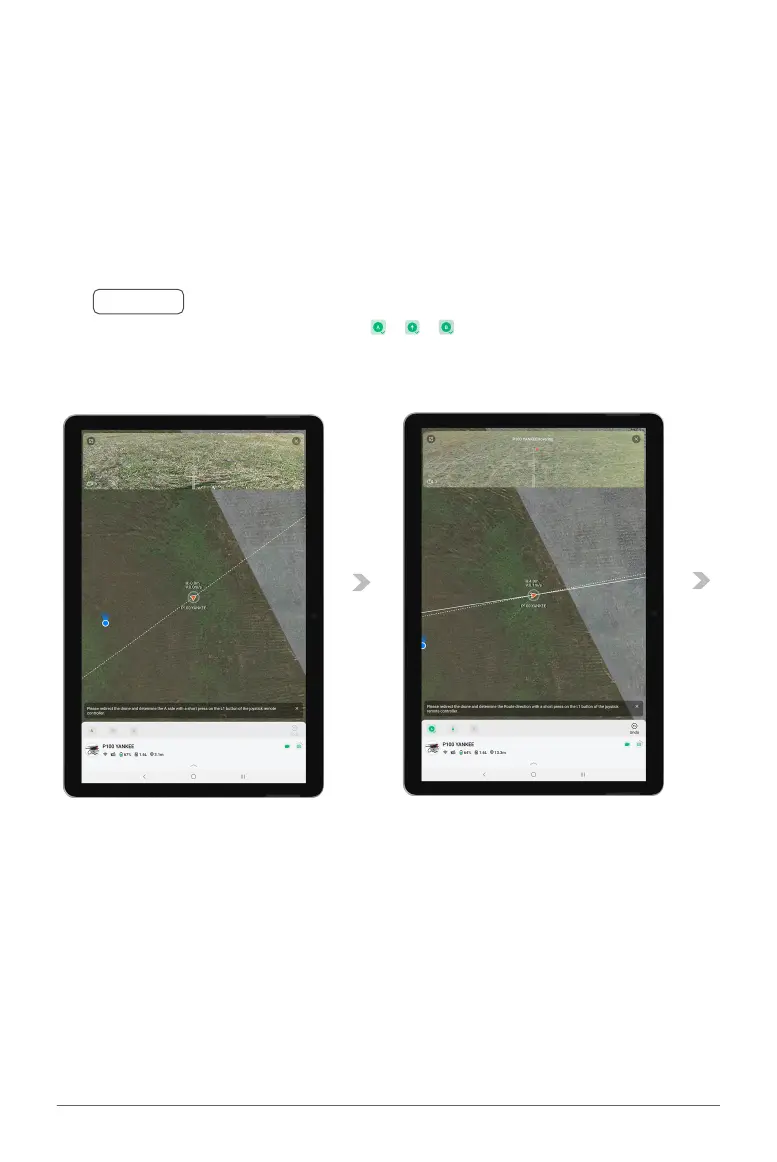
07. Setting First Boundary (A): Navigate the drone to the initial boundary point of the field (A). Adjust
the drone's heading by yawing left or right to select your boundary direction. Short press the L1
Button to set the first Boundary (A).
Manual Take-off and Setting Boundaries
Ⓝ
Notes
Monitor the added points by checking the , , at the bottom of each icon. Tap "Undo"
if you need to modify the boundary point or its direction.



 To Next Page