97
XAG AUSTRALIA
DATUM Setup
01. Activate the RTK Base Station: Power on your RTK Base Station and patiently wait for the "F1"
indicator light to illuminate a solid red colour. This is a sign that the device is ready for operation.
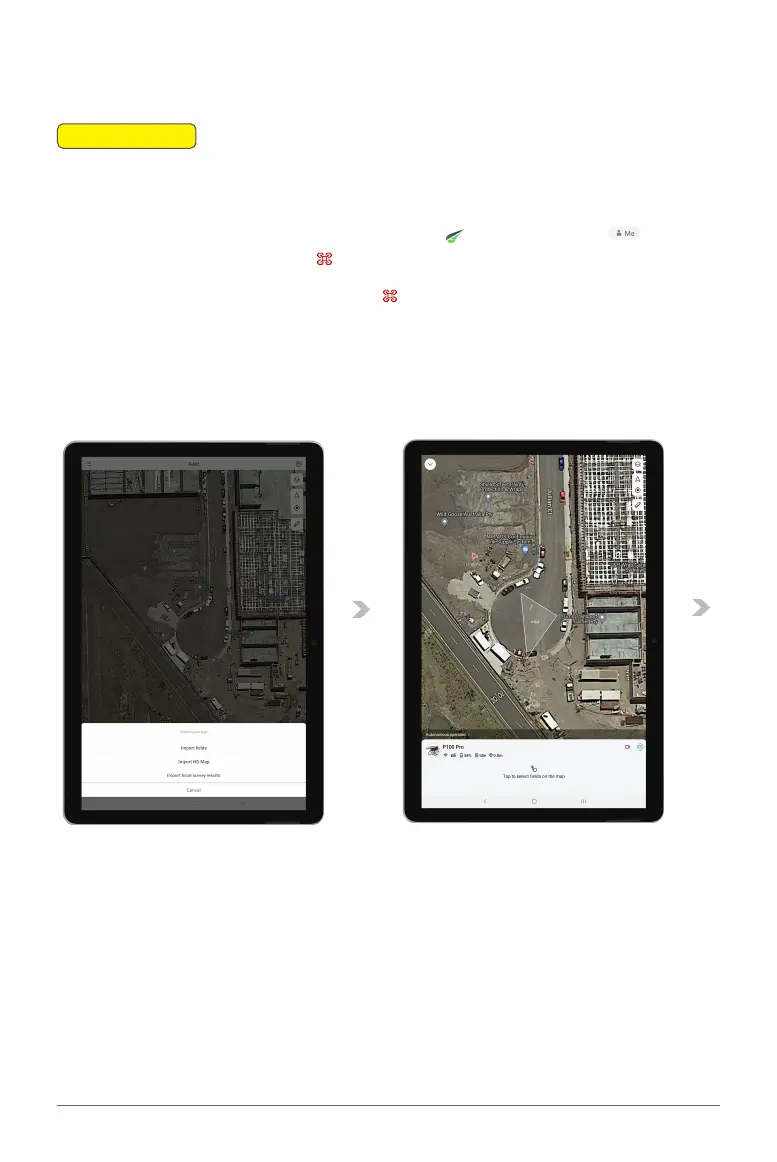
02. Access the Device Menu on XAG ONE APP: Open the and navigate to the Accounts
Menu From there, proceed to the Device Menu.
03. Configure the RTK Base Station: Within the Device Menu, select the RTK Base Station from
the list of devices. Tap on the RTK Base Station to enter the "Detail Details".
📖
INSTRUCTION



 To Next Page