XAG AUSTRALIA
96
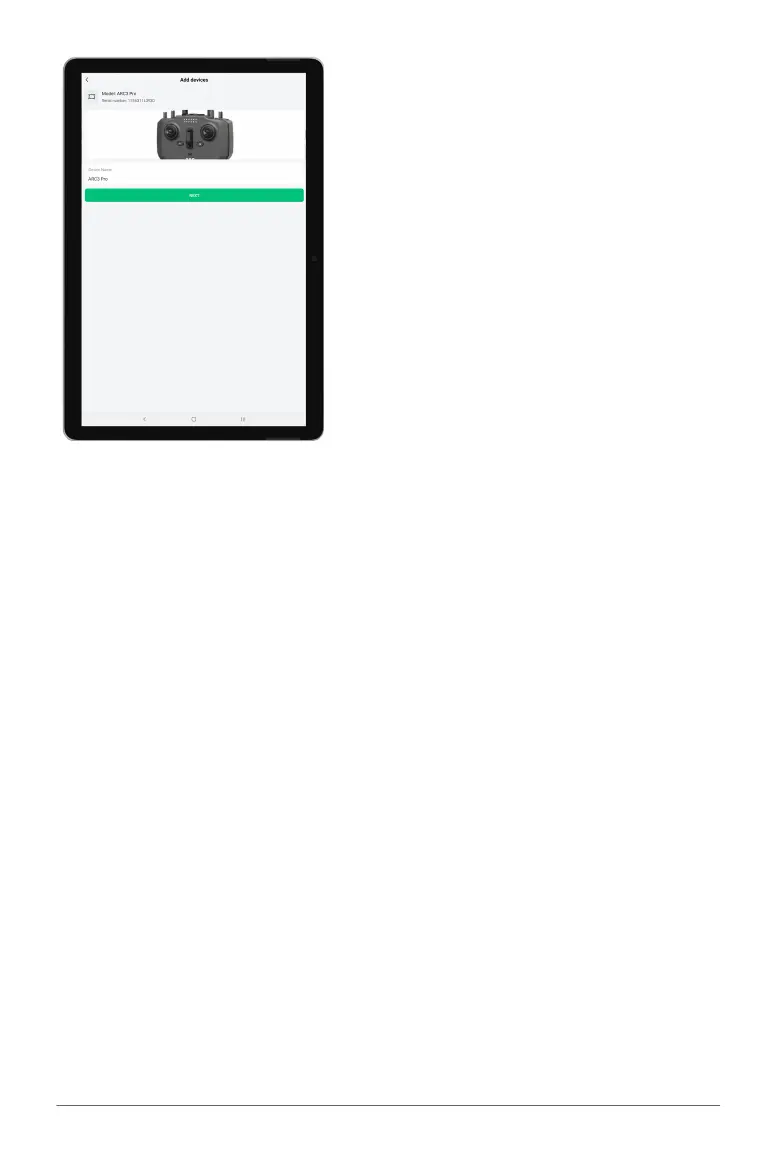
06. After completing these steps, you should be able to see your XRTK4 listed as 'online' on the
device page. If it does not appear, try restarting the XAG One App and ensure you're connected
to your ARC3 Pro's WIFI network. This connection is essential for enabling communication
between the devices.
07. Recheck the device page after restarting the app and connecting to ARC3 Pro's WIFI. You
should now see your XRTK4 displayed as 'online'. If not, verify your WIFI connection and try
restarting the app again.



 To Next Page