95
XAG AUSTRALIA
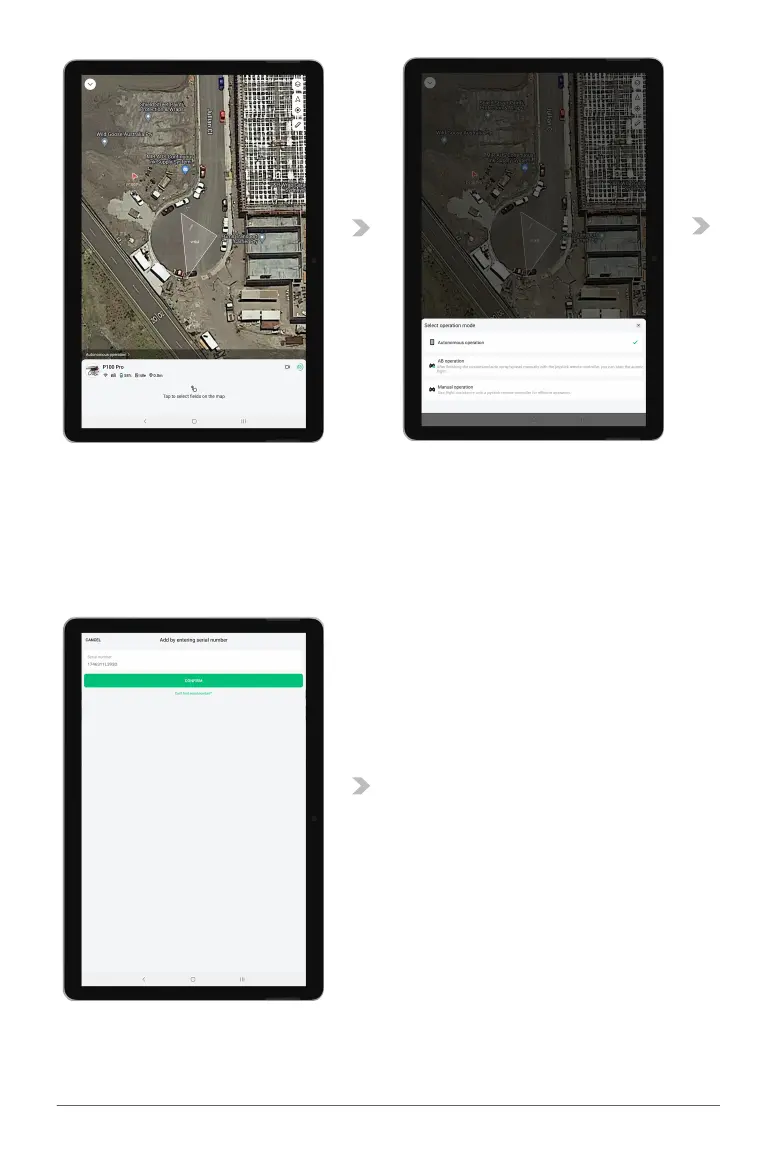
03. You'll then be prompted to either scan or manually type the serial number of the XRTK4. This
serial number can be found underneath the XRTK4's module.
04. Upon successfully scanning or typing the serial number, a new window will open allowing you to
assign a unique name to your XRTK4 base station. After naming the XRTK4 to your liking, press
"next" to continue.
05. A new window will appear displaying a message of " Added ", confirming the successful addition
of the base station to your device page.



 To Next Page