M
AINTAINING
Y
OUR
P
RINTER
6.9
6
4
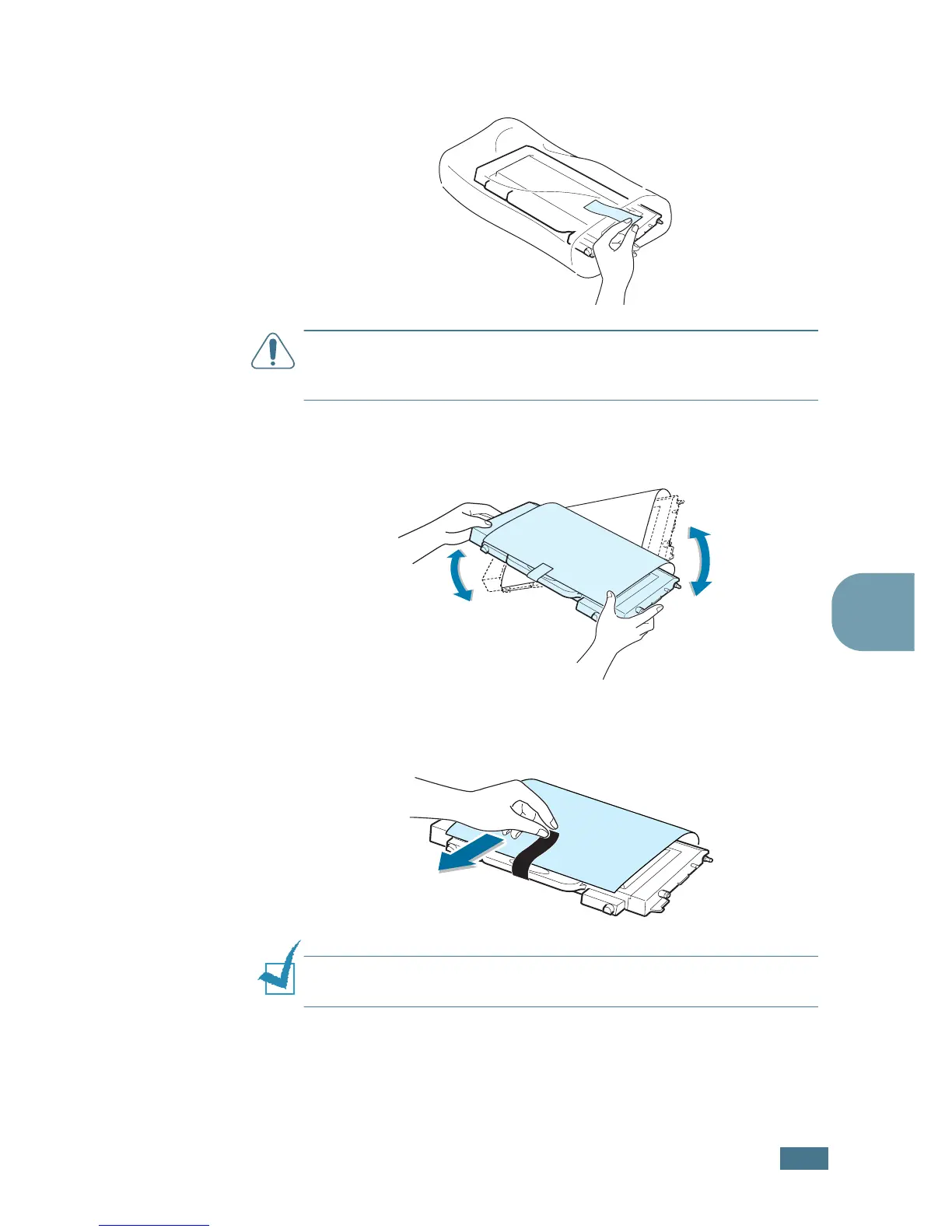
Take a new toner cartridge out of the package.
CAUTION
: Don’t use sharp objects, such as a knife or scissors, to
open the toner cartridge package. You could damage the surface
of the toner cartridge.
5
Holding both sides of the toner cartridge, gently roll it from
side to side to distribute the toner.
6
Place the toner cartridge on a flat surface as shown and
remove the paper covering the toner cartridge by removing
the tape. Discard the paper and tape.
NOTE
:
If toner gets on your clothing, wipe it off with a dry cloth
and wash it in cold water. Hot water sets toner into fabric.



 To Next Page
 Loading...













