7. Center Information Display (CID)
1
2
3
4
5
6
7
8
9
10
11
165
Disconnecting BluetoothDisconnecting Bluetooth
─
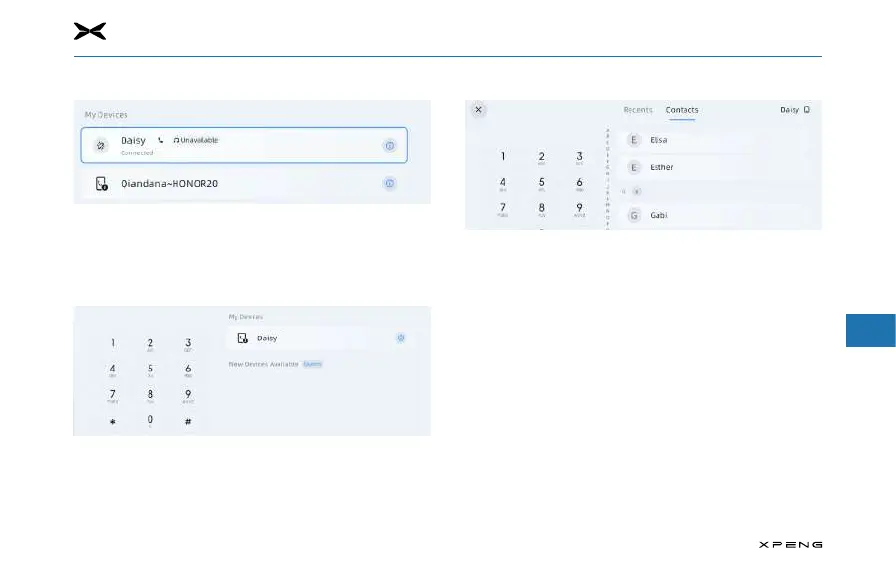
Go to the System Settings screen and tap the "Disconnect"
icon in the list of paired devices to disconnect the
currently connected device.
Connecting to a Paired PhoneConnecting to a Paired Phone
─
If Bluetooth is turned on, the vehicle automatically
connects to the most recently connected phone. If you
need to connect to another paired phone, just select the
phone you want to connect to in the paired list.
Making Phone CallsMaking Phone Calls
You can make phone calls by the following methods:
─
Tap the "Apps" button on the touchscreen and then the
"Bluetooth Phone" button to enter the call screen.
─
Enter the phone number on the dial keyboard.
─
Tap the dial button to make a call.



 To Next Page