7. Center Information Display (CID)
184
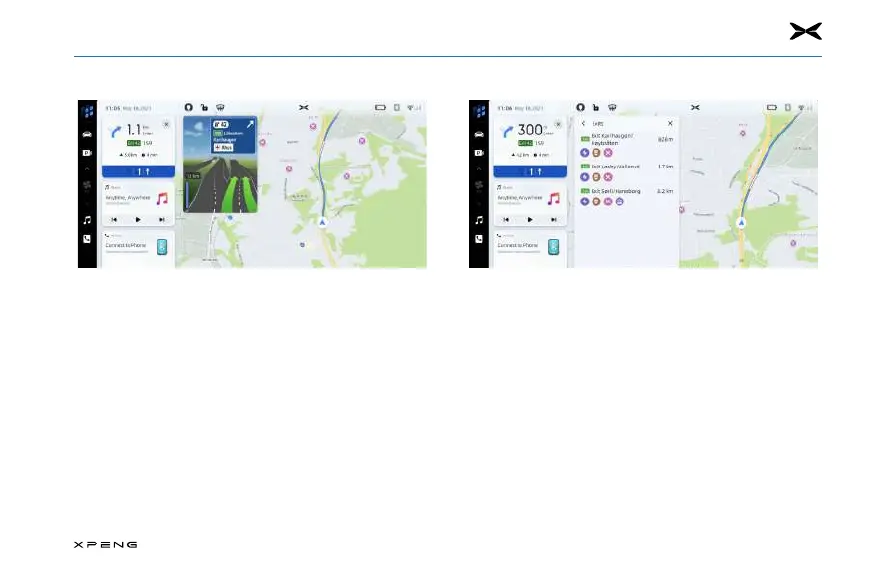
Junction ViewJunction View
─
When the vehicle is driving on the highway and
approaching the exit, the image of the lane will be
displayed on the screen, and the vehicle must remain in
this lane to complete the next turning maneuver.
Expressway Exit ListExpressway Exit List
List
─
Touch the exit icon to the right of the current road name
below the map to open the exit list. This icon is only
displayed when the expressway has a clear exit.
─
When driving on a road with a designated exit, you may
be able to use the exit list. The exit list will show the
number of exits, the distance between the current vehicle
location and the exit, and convenient parking spots that
may be available, such as gas stations, restaurants, and
residences.



 To Next Page