7. Center Information Display (CID)
1
2
3
4
5
6
7
8
9
10
11
185
Trac Event WarningTrac Event Warning
─
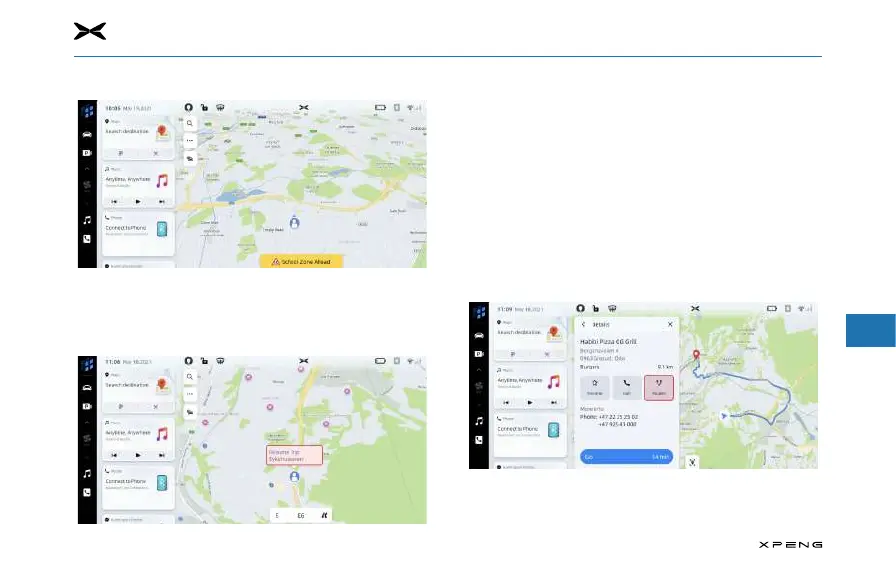
During active and inactive guidance, trac event warning
icons and trac flow data will be displayed on the map.
Close Guidance and Resume TripClose Guidance and Resume Trip
─
Touch Cancel icon in the upper right corner to end the
active guidance and return to the non-active guidance.
If the active guidance is cancelled before reaching the
destination, a pop-up window will appear on the screen,
allowing you to choose whether to “Resume Trip”.
─
If you have previously canceled the active guidance, you
can resume the trip by touching the “Resume Trip” pop-
up window option.
Route OptionsRoute Options
─
See up to three dierent driving paths and ETA to get to
your destination and choose your preferred route. Your
route options will also consider current road closures and
trac conditions.



 To Next Page