Accessing the product
1
Configure broadband connections and
connect the product to the Internet.
2
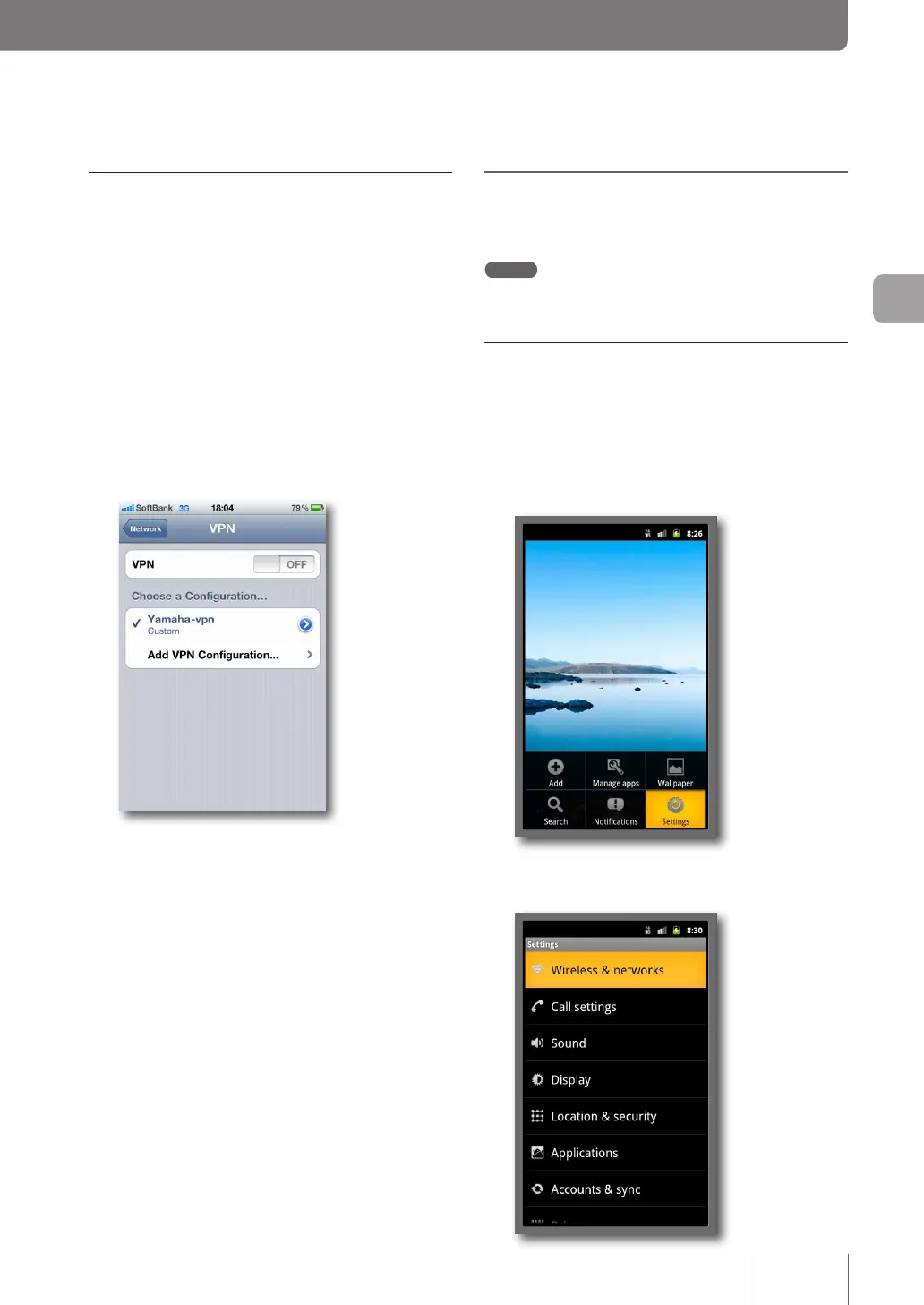
Tap on “Settings”.
3
Tap on “General”.
4
Tap on “Network”.
5
Tap on “VPN”.
6
Tap on “Yamaha-vpn” and slide “VPN” On.
VPN connection to the product now begins.
Gaining remote access from
Android
Note
Some of the screens on your terminal may differ from the screens
used to describe the operations on Android.
Changing the settings for a device
(such as a smartphone) that remotely
accesses a PC
1
Press the Home icon, press “Menu” and tap
on “Settings”.
2
Tap on “Wireless & networks”.
67
Implementing site-to-site VPN connections
4



 To Next Page