User’s Manual 1PH HYD3000-HYD6000-ZSS
Rev. 1.1 16/03/2021
Identification: MD-AL-GI-00
Rev. 1.1 of 16/03/2021 - Application: GID
Step 1: Unscrew the 4 screws (A) using a screwdriver (Fig. 6).
Step 2: Remove the waterproof cover (B), loosen the cable gland (C), and then remove the cap (G).
Step 3: Pass the battery cables (F) through the cable gland, then connect the battery wires using the OT
terminal (E).
Step 4: Fasten the waterproof cover using the 4 screws.
4.2. Connecting a Pylontech battery
4.2.1. Connecting a single battery
This cable must be connected to the battery by inserting the RJ45 (8 pin) plug into the appropriate
connection:
1. In the case of Pylontech batteries, insert the plug into the BMS CAN port of the single battery.
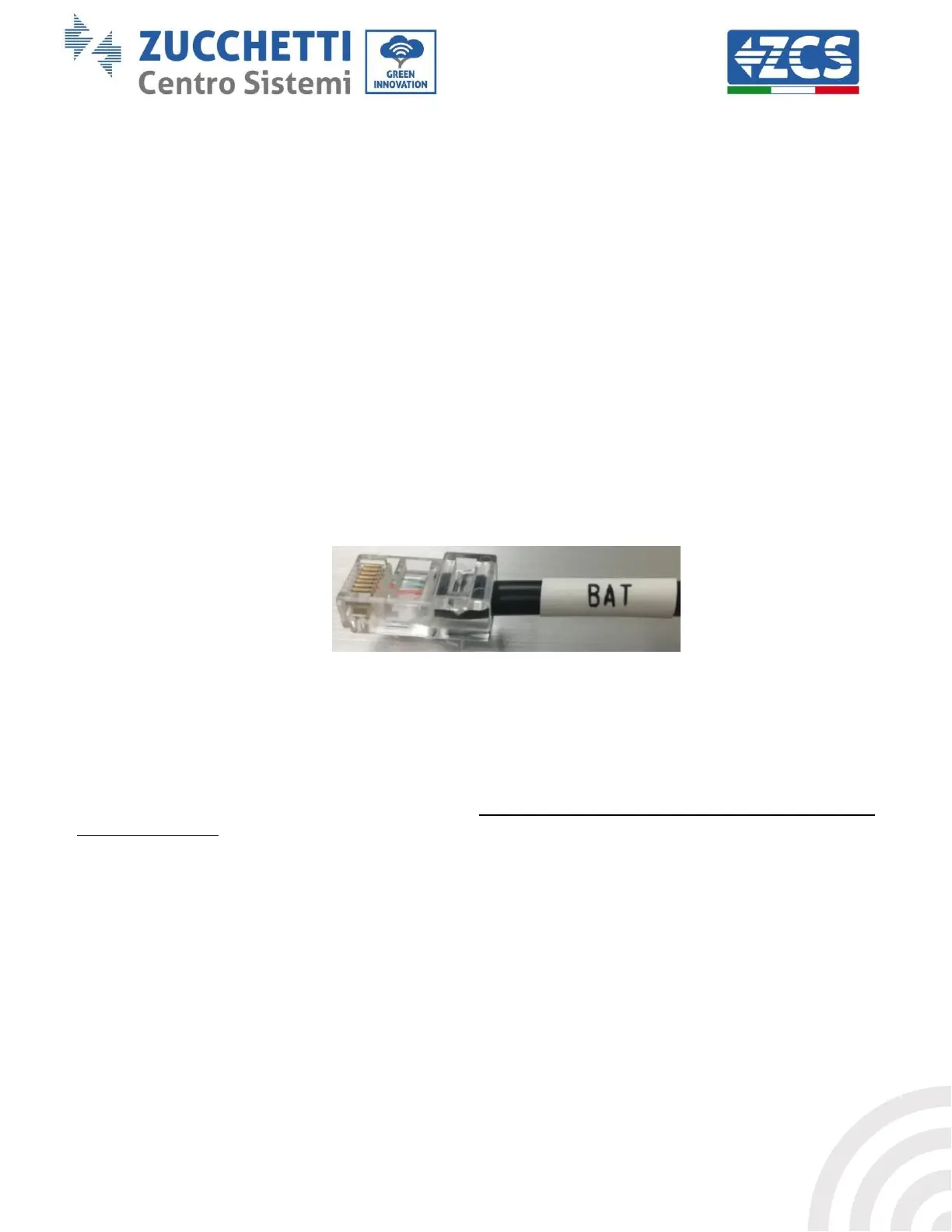
Figure 8 - Pylontech communication cable to be inserted into the battery communication input
2. Ensure that the order of the DIP switches remains at the factory settings (all down in the OFF position).
3. Connect the ground cable to the battery through the threaded hole.
NOTE: When connecting Pylontech batteries, use the communication cable contained in the inverter kit, as
shown in the figure.









 To Next Page