User’s Manual 1PH HYD3000-HYD6000-ZSS
Rev. 1.1 16/03/2021
Identification: MD-AL-GI-00
Rev. 1.1 of 16/03/2021 - Application: GID
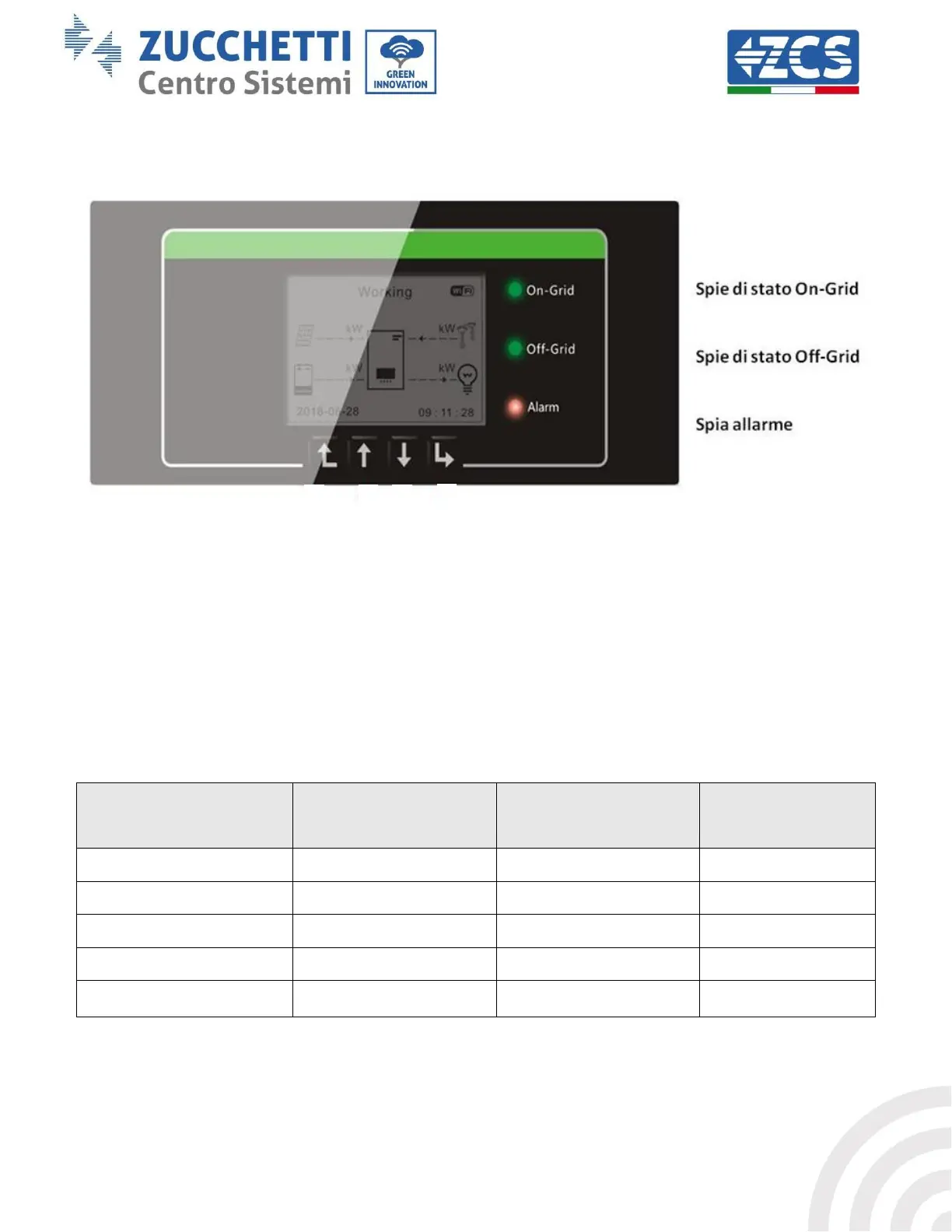
5. Buttons and indicator lights
Figure 33 – Buttons and indicator lights
5.1. Buttons:
Press “Back” to go back to the previous screen or to enter the main interface.
Press “Up” to enter the upper menu or to increase the value by 1.
Press “Down” to enter the lower menu or to decrease the value by 1.
Press “OK” to select the option of the current menu or to move to the next number.
5.2. Indicator lights and operating status
Status of the 1PH HYD3000-
HYD6000-ZSS inverter









 To Next Page