User’s Manual 1PH HYD3000-HYD6000-ZSS
Rev. 1.1 16/03/2021
Identification: MD-AL-GI-00
Rev. 1.1 of 16/03/2021 - Application: GID
11.1.3. Verification
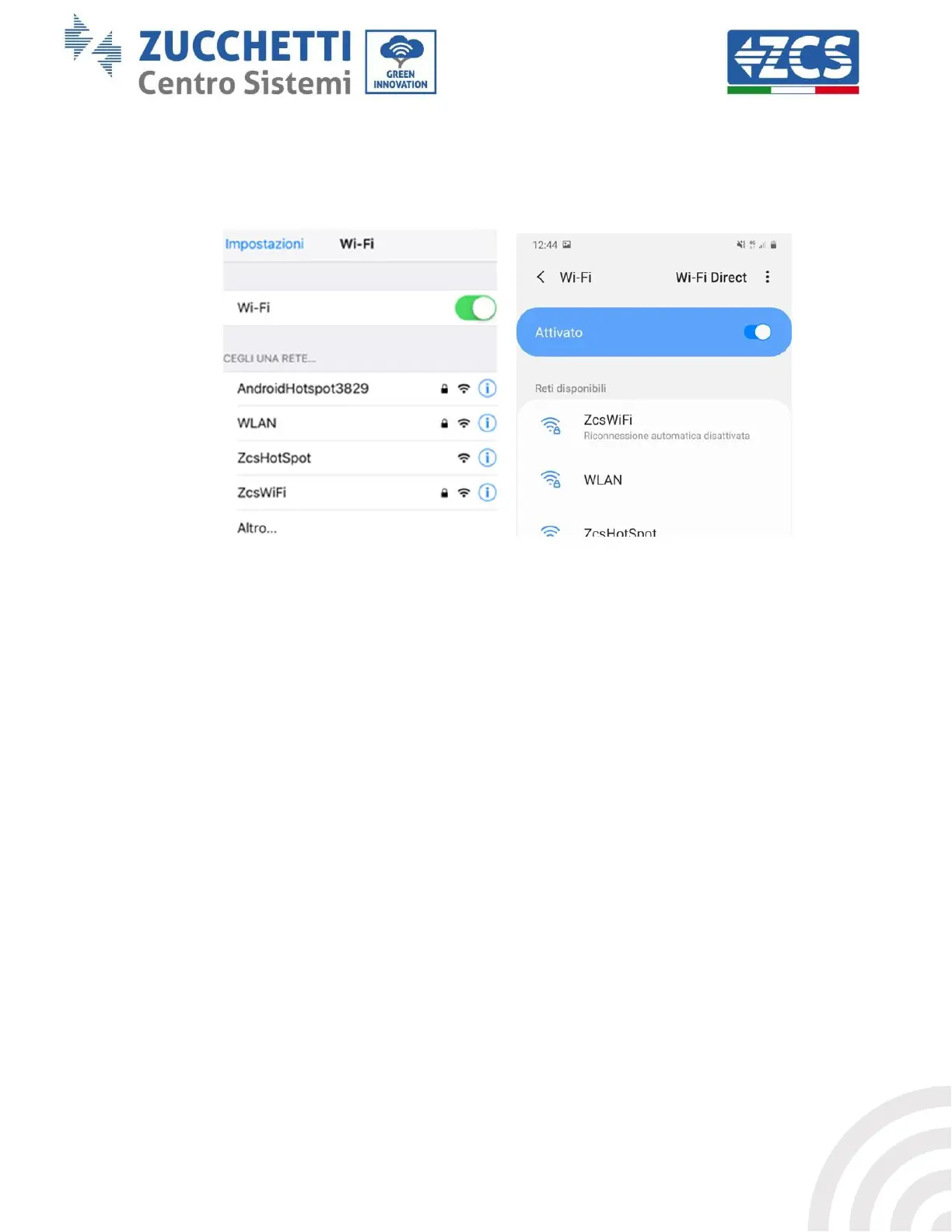
Wait two minutes after configuring the adapter and then go back to the Wi-Fi network selection screen to
verify that the AP_******* network is no longer present. The absence of the Wi-Fi network in the list will
confirm the successful configuration of the Wi-Fi adapter.
Figure 55 – Wi-Fi network search on Smartphone (iOS and Android); Access point of the Wi-Fi adapter is no longer visible
If the Wi-Fi network is still present in the list, connect to it again and enter the status page. Check the
following information:
a. Wireless STA mode
i. Router SSID > Router name
ii. Signal Quality > other than 0%
iii. IP address > other than 0.0.0.0
b. Remote server information
i. Remote server A > Connected









 To Next Page