User’s Manual 1PH HYD3000-HYD6000-ZSS
Rev. 1.1 16/03/2021
Identification: MD-AL-GI-00
Rev. 1.1 of 16/03/2021 - Application: GID
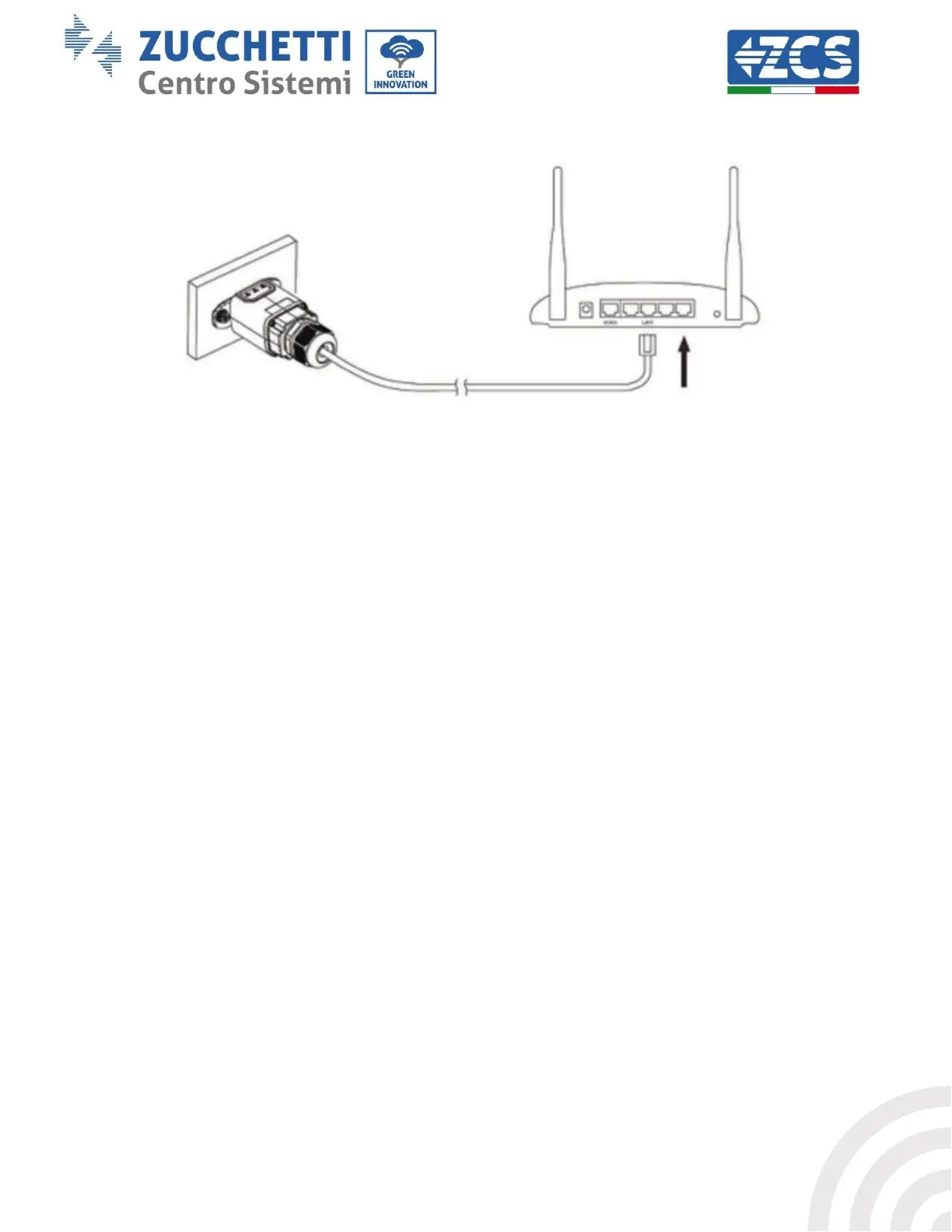
5) Connect the other end of the network cable to the ETH output (or equivalent) of the modem or a suitable
data transmission device.
Figure 68 – Connecting the network cable to the modem
6) Switch on the inverter by following the procedure described in the manual.
7) Unlike Wi-Fi cards, the Ethernet adapter does not need to be configured and starts transmitting data
shortly after the inverter is switched on.
11.2.2. Verification
Wait two minutes after installing the adapter, and check the status of the LEDs on the device.
Status of LEDs present on the adapter
1) Initial status:
NET (left LED ): off
COM (central LED): steady on
SER (right LED): flashing on









 To Next Page