User’s Manual 1PH HYD3000-HYD6000-ZSS
Rev. 1.1 16/03/2021
Identification: MD-AL-GI-00
Rev. 1.1 of 16/03/2021 - Application: GID
7) Switch on the inverter by following the procedure described in the manual.
8) Unlike Wi-Fi cards, the 4G adapter does not need to be configured and starts transmitting data shortly
after the inverter is switched on.
11.3.2. Verification
After installing the adapter, within the next 3 minutes check the status of the LEDs on the device to ensure
that the device is configured correctly.
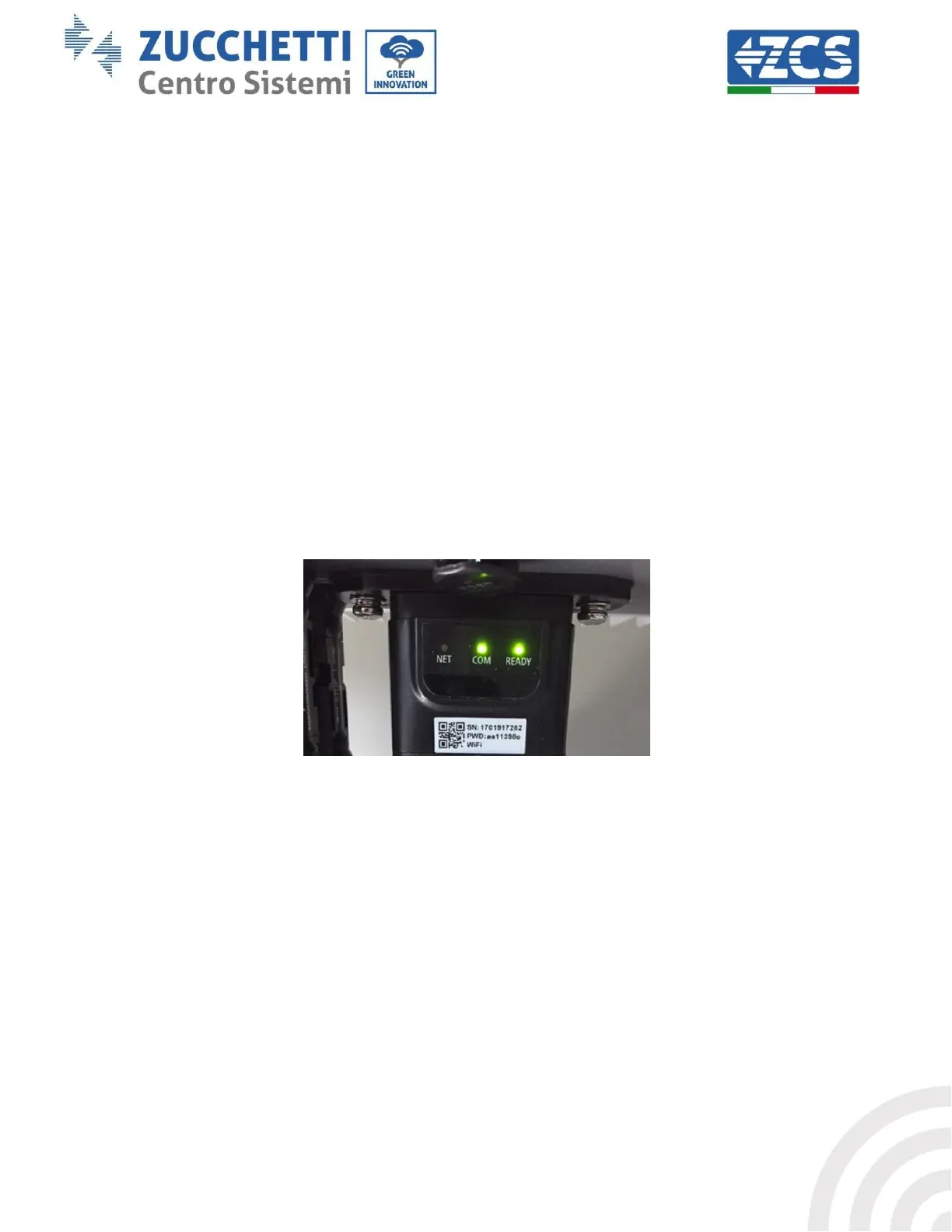
Status of LEDs present on the adapter
1) Initial status:
- NET (left LED ): off
- COM (central LED): flashing on
- SER (right LED): flashing on
Figure 75 - Initial status of LEDs
2) Registration:
- NET (left LED): flashes rapidly for about 50 seconds; the registration process takes about 30
seconds
- COM (central LED): flashes rapidly 3 times after 50 seconds
3) Final status (approx. 150 seconds after the inverter has started):
- NET (left LED): flashing on (off and on at equal intervals)
- COM (central LED): steady on
- SER (right LED): steady on









 To Next Page