User’s Manual 1PH HYD3000-HYD6000-ZSS
Rev. 1.1 16/03/2021
Identification: MD-AL-GI-00
Rev. 1.1 of 16/03/2021 - Application: GID
Select “5. Energy Statistics”, press “OK” to enter the Energy Statistics interface, which shows the energy
production and consumption over a given period of time. Press “Up” or “Down” to check the energy statistics
daily, weekly, monthly, annually, total.
6.4.6. Software Update
If a software update is required, ask ZCS to send you the latest version of the available firmware.
Copy the firmware folder to the main directory of the SD Card.
Select “6. Software Update” and press “OK”; “Enter Password” appears on the screen. Enter the password
“0715”, press “Up” or “Down” to change the first digit, press “OK” to move to the next digit, when “0715” appears
on the screen press “OK”. The 1PH HYD3000-HYD6000-ZSS inverter will automatically start the software
update.
Detailed Procedure for Firmware Update:
Step 1: Turn off the AC switch (grid and load), then turn off the batteries and the photovoltaic switch. Remove
the waterproof communication cover. If the communication cables (CAN/RS485/NTC/CT) have been connected,
loosen the cable glands before removing the cover.
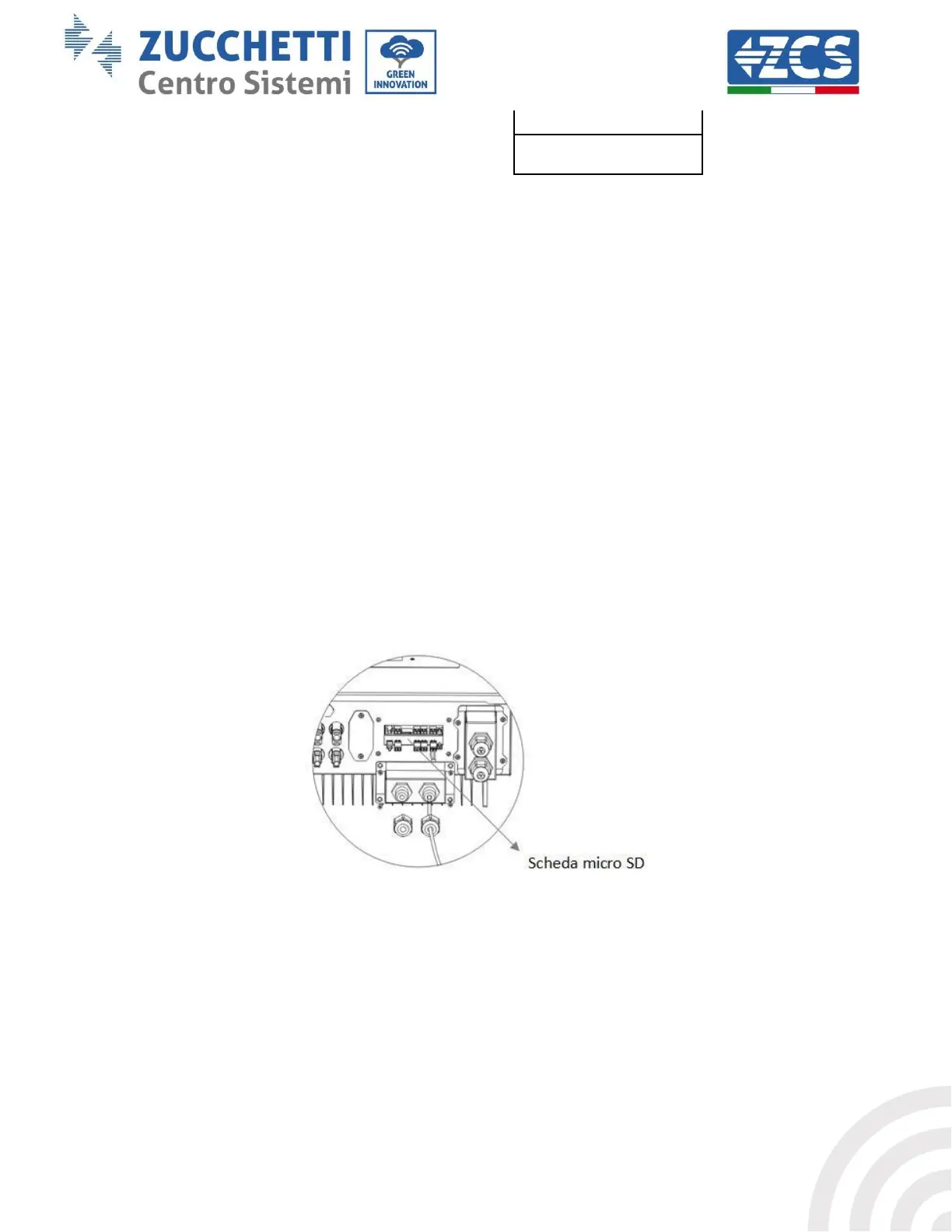
Step 2: Press the SD card and extract it. Insert the SD card into the micro-SD reader, then enter it into the PC;
(Please note: the micro-SD reader and the PC are not supplied by ZCS).
Step 3: Format the SD card. Copy the “firmware” folder to the SD card.
Step 4: Insert the SD card into the SD card slot.
Step 5: Turn on the AC switch (grid), press “Back” to enter the main interface. Press “Down” to select “6.
Software Update ”, then press “OK.”









 To Next Page