User’s Manual 1PH HYD3000-HYD6000-ZSS
Rev. 1.1 16/03/2021
Identification: MD-AL-GI-00
Rev. 1.1 of 16/03/2021 - Application: GID
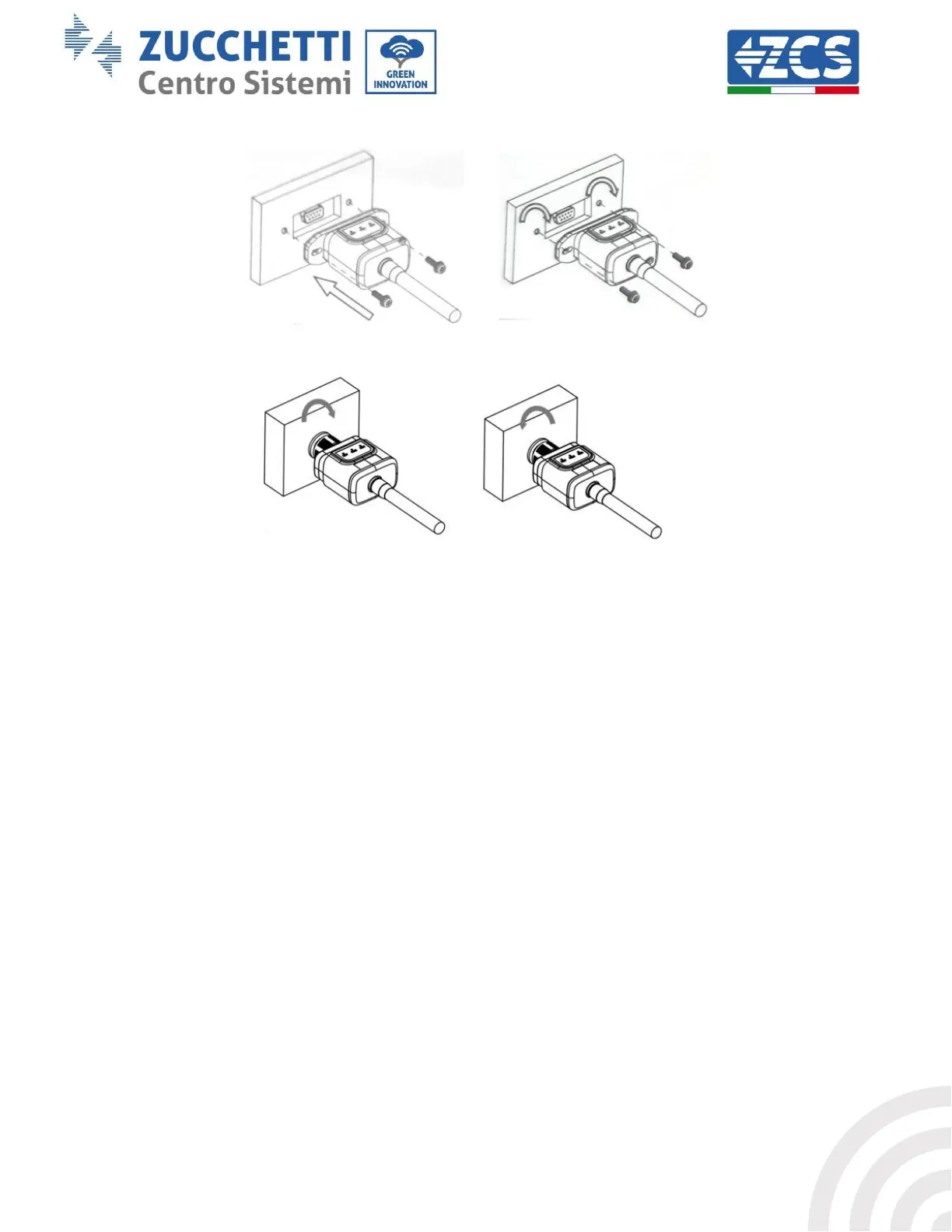
(a)
(b)
Figure 41 – Inserting and securing the external Wi-Fi adapter
4) Switch on the inverter by following the procedure described in the manual.
11.1.2. Configuration
Configuration of the Wi-Fi adapter requires the presence of a Wi-Fi network near the inverter in order to
achieve stable transmission of data from the inverter adapter to the Wi-Fi modem.
Tools required for configuration:
Smartphone, PC or tablet
Go to front of the inverter and search for the Wi-Fi network using a smartphone, PC or tablet, making sure
that the signal from the home Wi-Fi network reaches the place where the inverter is installed.
If the Wi-Fi signal is present at the location where the inverter is installed, the configuration procedure can
begin.
If the Wi-Fi signal does not reach the inverter, a system must be installed to amplify the signal and bring it to
the installation location.
1) Activate the search for the Wi-Fi networks on your telephone or PC so that all the networks visible by
your device are displayed.









 To Next Page