User’s Manual 1PH HYD3000-HYD6000-ZSS
Rev. 1.1 16/03/2021
Identification: MD-AL-GI-00
Rev. 1.1 of 16/03/2021 - Application: GID
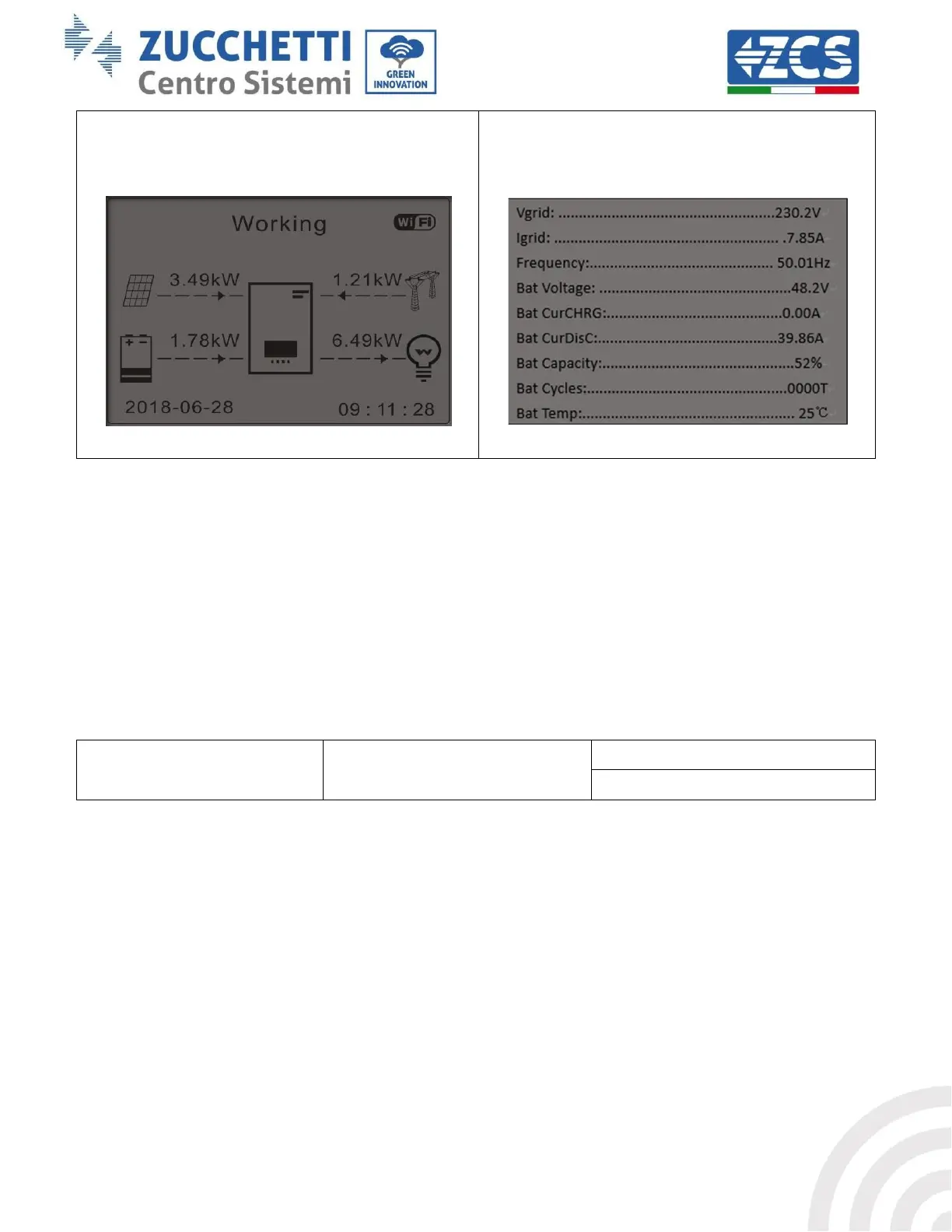
5) If PV production + battery < LOAD
consumption, the missing energy to feed the
loads will be imported from the grid.
6) Press “DOWN” to display the current
grid/battery parameters, press “UP” to go back to
the main interface.
4. Photovoltaic Input Mode
Photovoltaic Input Mode selection: The 1PH HYD3000-HYD6000-ZSS inverter has two MPPT channels. The two
MPPTs can operate both independently and in parallel. If the PV strings are connected in parallel, “parallel
mode” must be selected before connecting to the inverter; otherwise the default configuration (independent
mode) must be used.
After changing the PV input mode, restart the 1PH HYD3000-HYD6000-ZSS inverter to validate this change.
5. EPS Mode
The EPS mode allows enabling the EPS output for critical loads.
6. Communication address
Select “6. Communication Address selection”, then press “OK”. Press “Up” or “Down” to change the first digit,
press “OK” to move to the next digit. After changing the communication address-485 (default: 01), press “OK”.









 To Next Page