User’s Manual 1PH HYD3000-HYD6000-ZSS
Rev. 1.1 16/03/2021
Identification: MD-AL-GI-00
Rev. 1.1 of 16/03/2021 - Application: GID
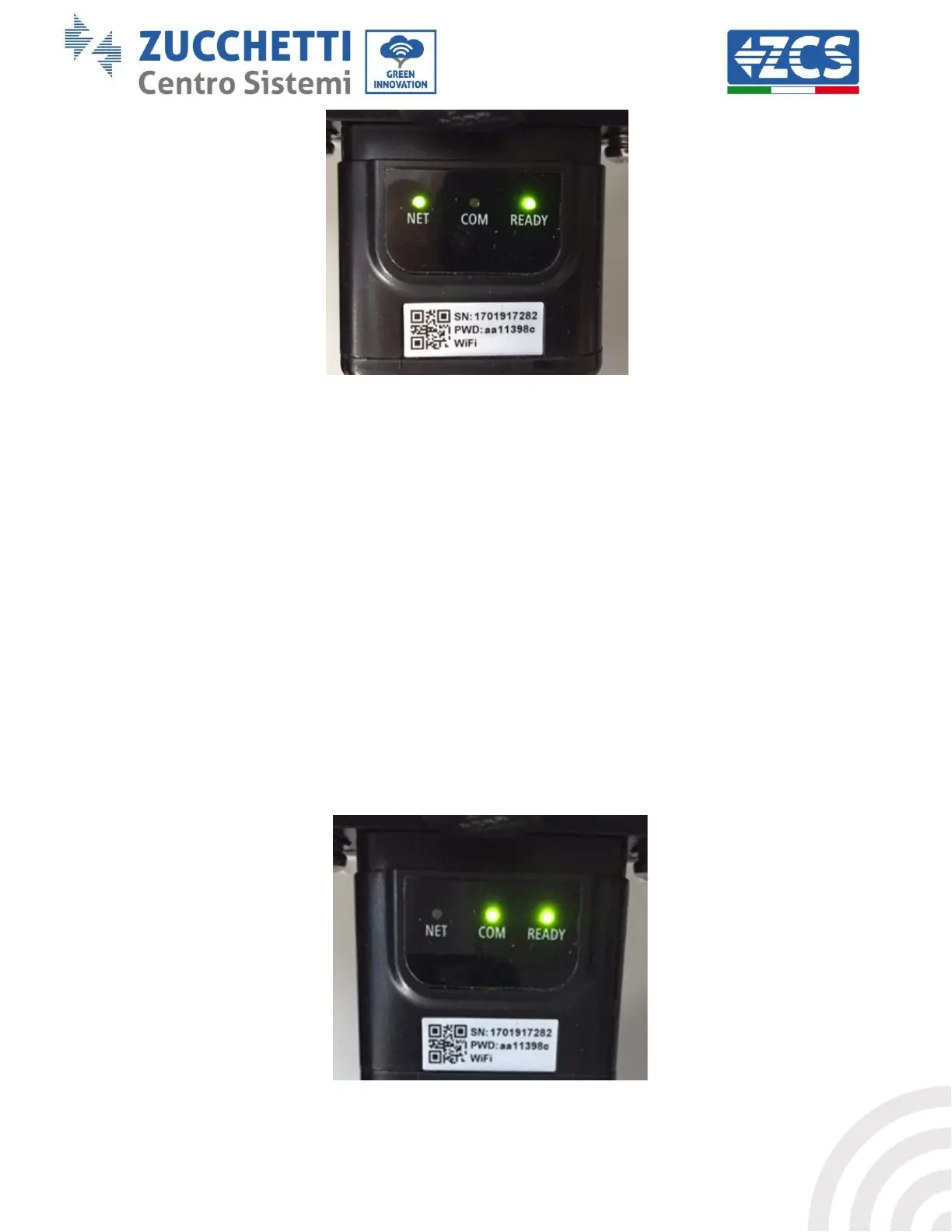
Figure 71 - Irregular communication status between the inverter and adapter
- Check the Modbus address set on the inverter:
Enter the main menu with the ESC key (first key on the left), go to System Info and press ENTER to
enter the submenu. Scroll down to the Modbus address parameter and make sure it is set to 01 (and
in any case, other than 00).
If the value is not 01, go to “Settings” (basic settings for hybrid inverters) and enter the Modbus
Address menu where the 01 value can be set.
- Check that the Ethernet adapter is correctly and securely connected to the inverter, making sure to
tighten the two cross-head screws provided. Check that the network cable is correctly inserted into
the device and modem, and that the RJ45 connector is correctly crimped.
2) Irregular communication with remote server
- NET (left LED ): off
- COM (central LED): on
- SER (right LED): flashing on
Figure 72 - Irregular communication status between the adapter and remote server









 To Next Page